
Motion Gallery · 3D & Perspective
Totem Wall
A flat row of independent vertical totems — each column wraps into a rounded pillar.
Example 1 · Scroll choreography
Scroll to play — reveal & dissolve
A full scroll choreography. Motion → Scroll-scrub with Pin on, so YOUR scroll drives the motion — not a timer. Paired with Entrance (Style tab): as the gallery pins to the screen the cards fade in one by one, it animates as you scroll, then they dissolve one by one on the way out.






Example 2 · Entrance + pause on hover
Cascading totems, pause on hover
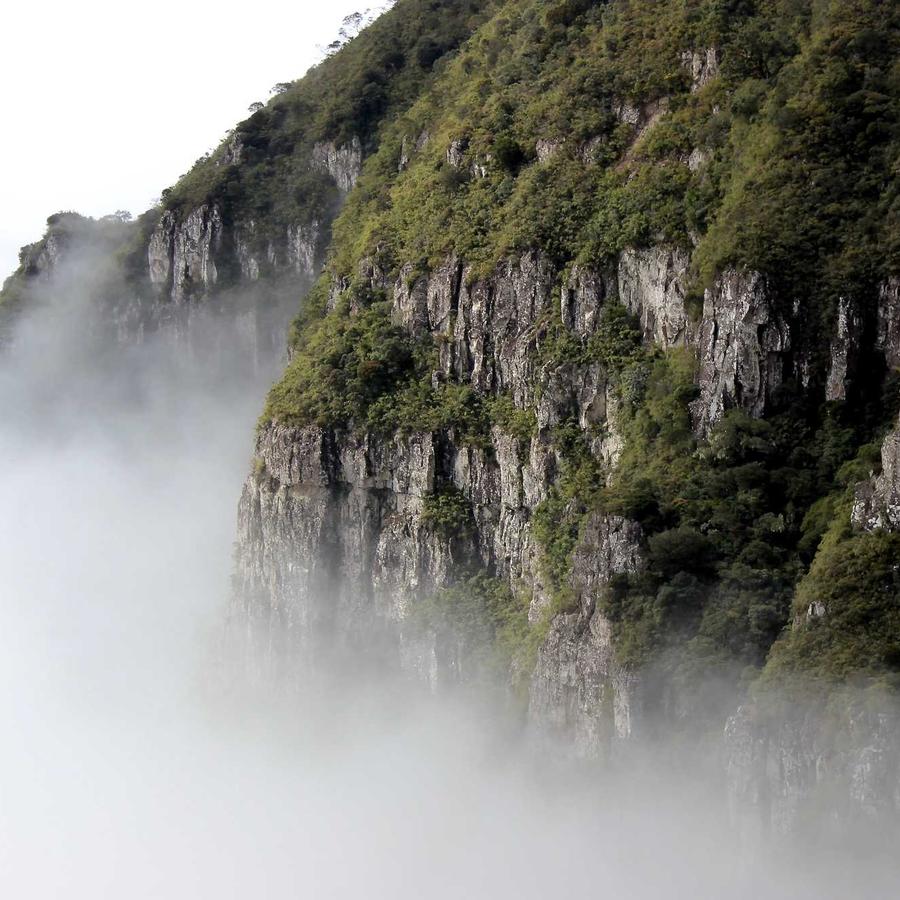
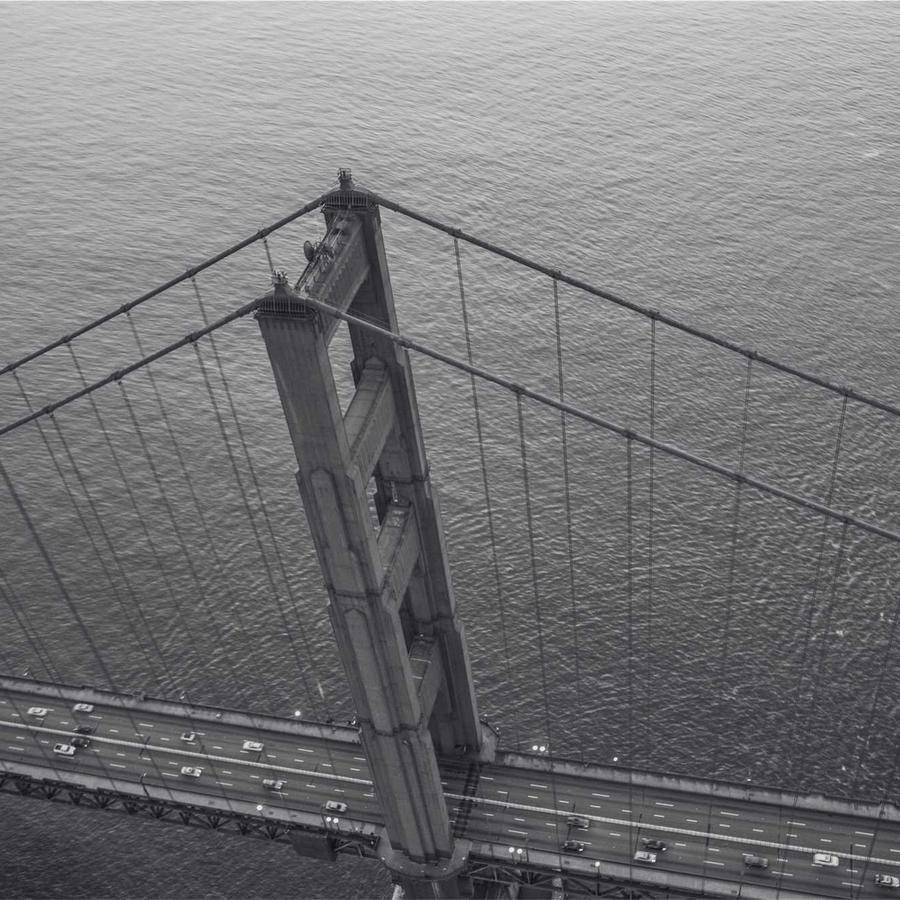
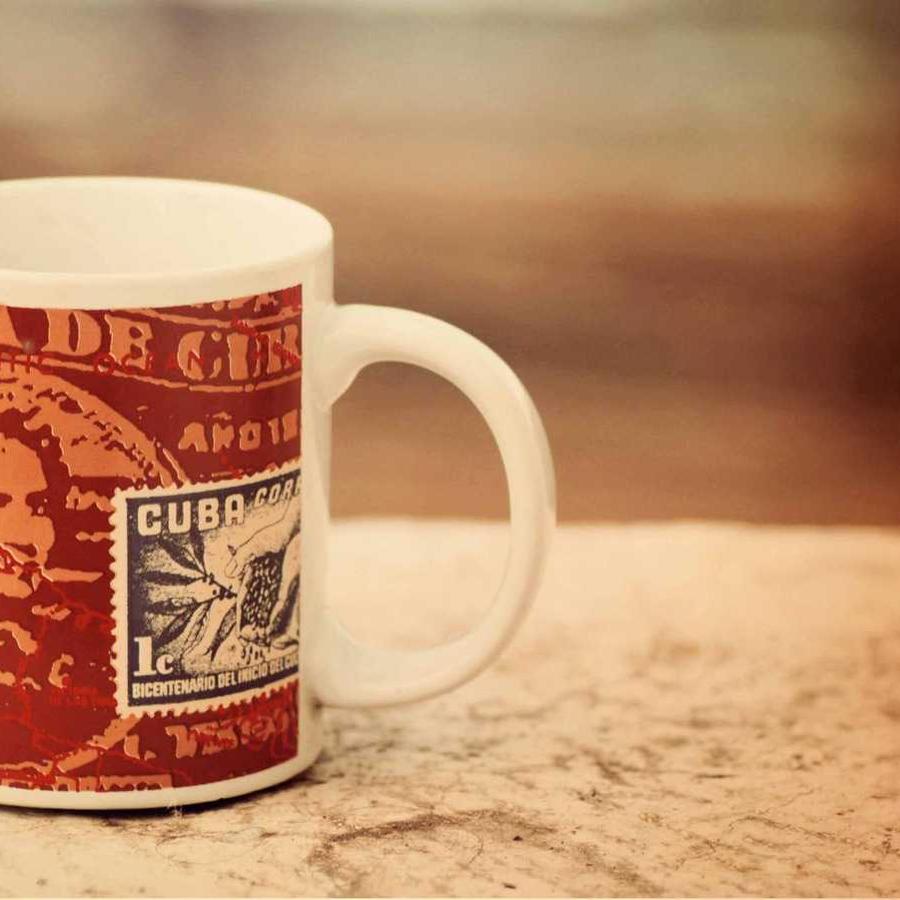
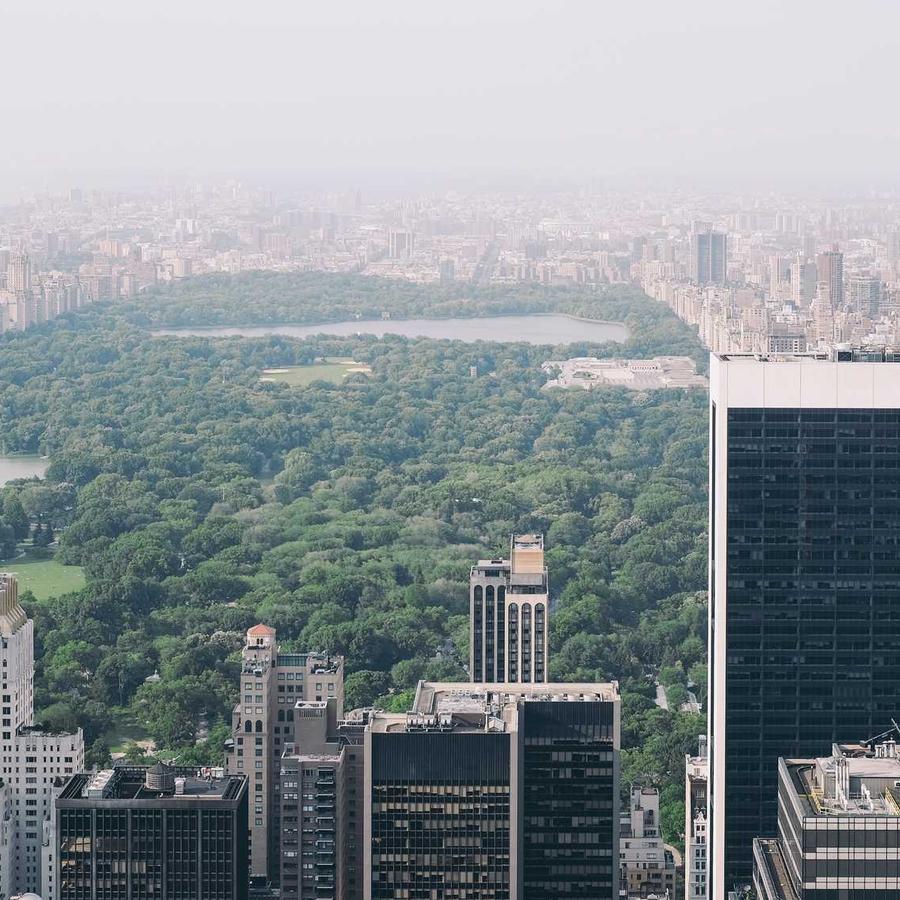
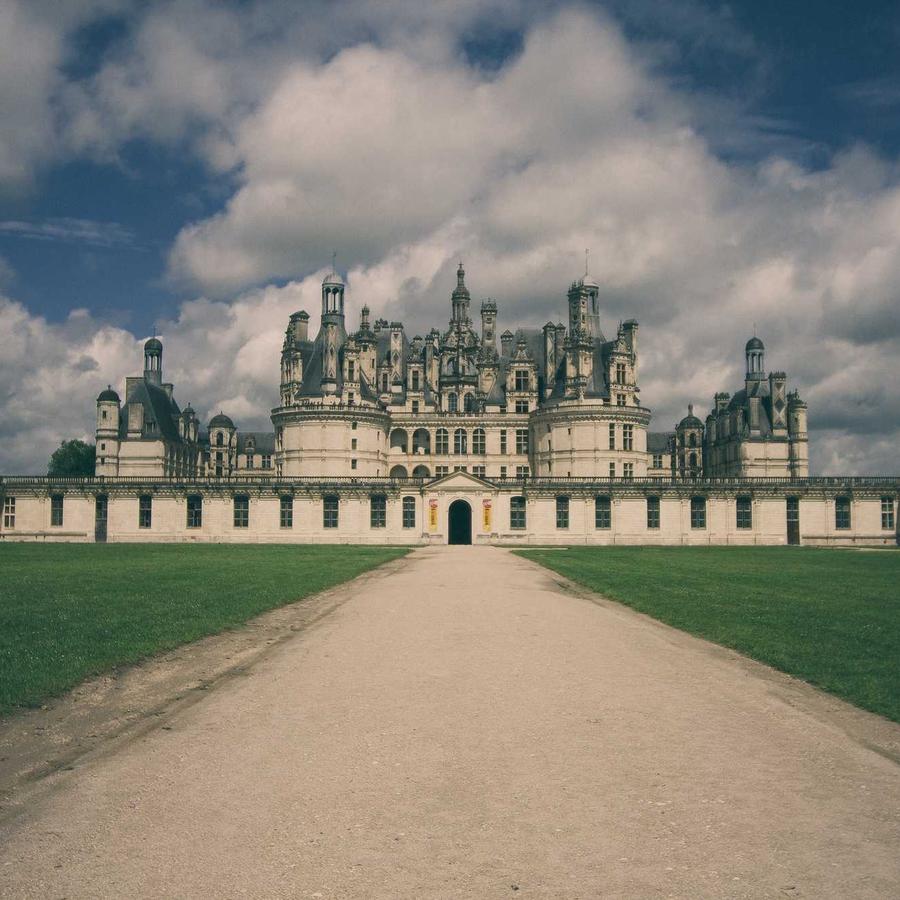
The default — vertical totems of cards curling toward you (Curvature −150) on a steep diagonal, cascading down. The whole wall zooms in on load; Motion → On Hover is Pause. Click a card to open the lightbox.
Example 3 · Zoom & gap
Bigger totems, spaced out
Zoomed in (Zoom 45%) so fewer, larger totems fill the stage, with a wider Gap spacing them apart — the rim totems fall off the sides and fade.
Example 4 · Flat wall
Straightened into a flat wall
Curvature near 0 uncurls the totems into a flat scrolling wall, and Tilt 0 stands it up straight-on instead of the default diamond-lattice diagonal.
Example 5 · Alternate columns
Totems cascading opposite ways
Motion set to Alternate columns, so each totem cascades the opposite way to its neighbour, over a tighter concave curl.
Example 6 · Ratio & edge-fade
Portrait cards, faded edges
Portrait 3:4 cards (the default is 16:9) with rounder corners and the left/right edges fading out (Edge Fade 70%). Click a card to open it full-size. Plus Stage Overflow = Spill, so the fanned cards show in full beyond the stage box — and the gallery sits at Z-Index −1 (Advanced → Position: Relative) behind this heading, so the title stays clean in front of the overflow.
Docs & Playground
Tweak every option live
Play with all of these settings in real time and read the full option reference in the manual.