
Animation Engine
Sticky Card Stack
Pin a Section’s cards one after another so they stack as the visitor scrolls — the “deck of cards” scroll effect, in 11 styles (stack, scale & fade, blur, 3D tilt-back, fan deck, peel, push and more). Section-level; the cards are its full-width columns.
Live demo
See it in action
Deck-of-cards scroll
Cards that pile up as you scroll.
Build one Section with several full-width columns as the cards, then pick a stack style. Each of the 11 styles below is a live, self-contained stack — scroll slowly through them to compare. Give your cards a solid background so the top card cleanly covers the ones beneath.
11 stack styles
How the cards transform as they pile

Card Stack

Scale & Fade

Fade

Blur

3D Tilt Back

Fan Deck

Messy Pile

Slide Aside

Peel

Push

Grow
Stack style
Card Stack
Each card pins at the top, then the next slides up and stacks over it with a staggered offset.
Card Stack — first card
Scroll slowly and watch how the covered card transforms.
Card Stack — second card
The “Card Stack” style, applied live. No library — pure sticky positioning plus one passive listener.
Card Stack — last card
Reduced-motion visitors just see the cards flow normally. Loads on-demand.
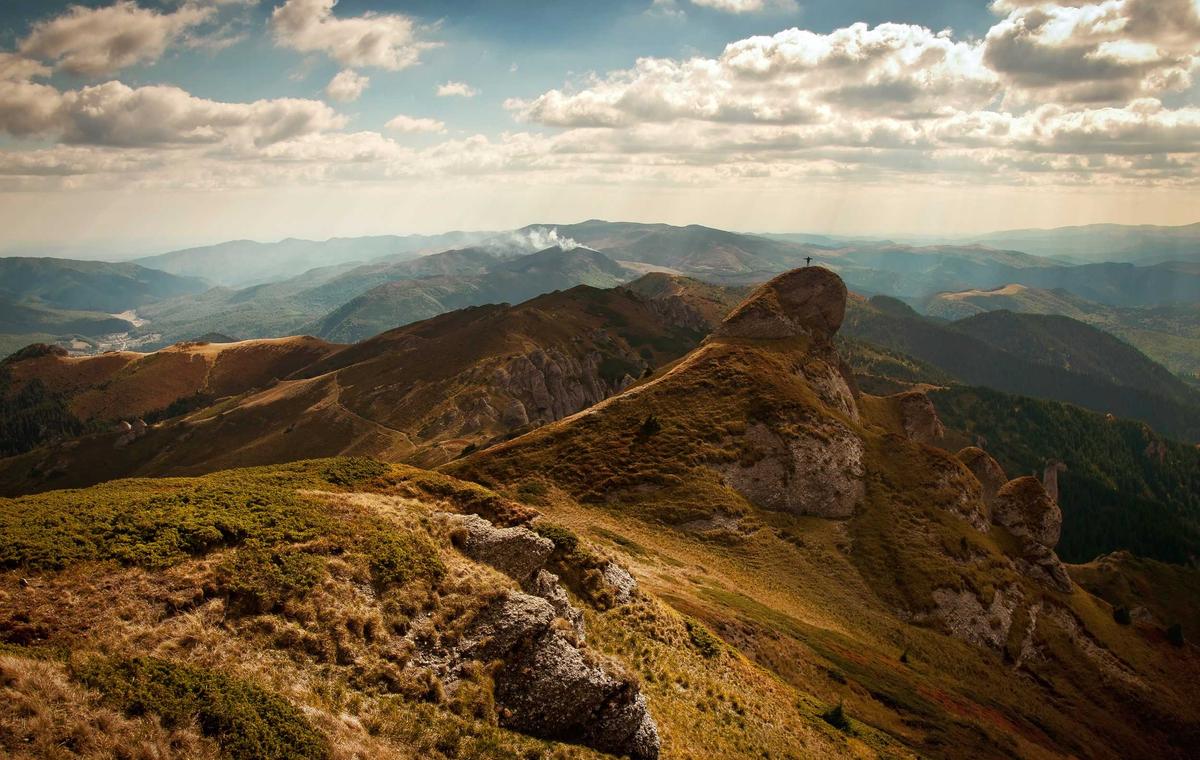
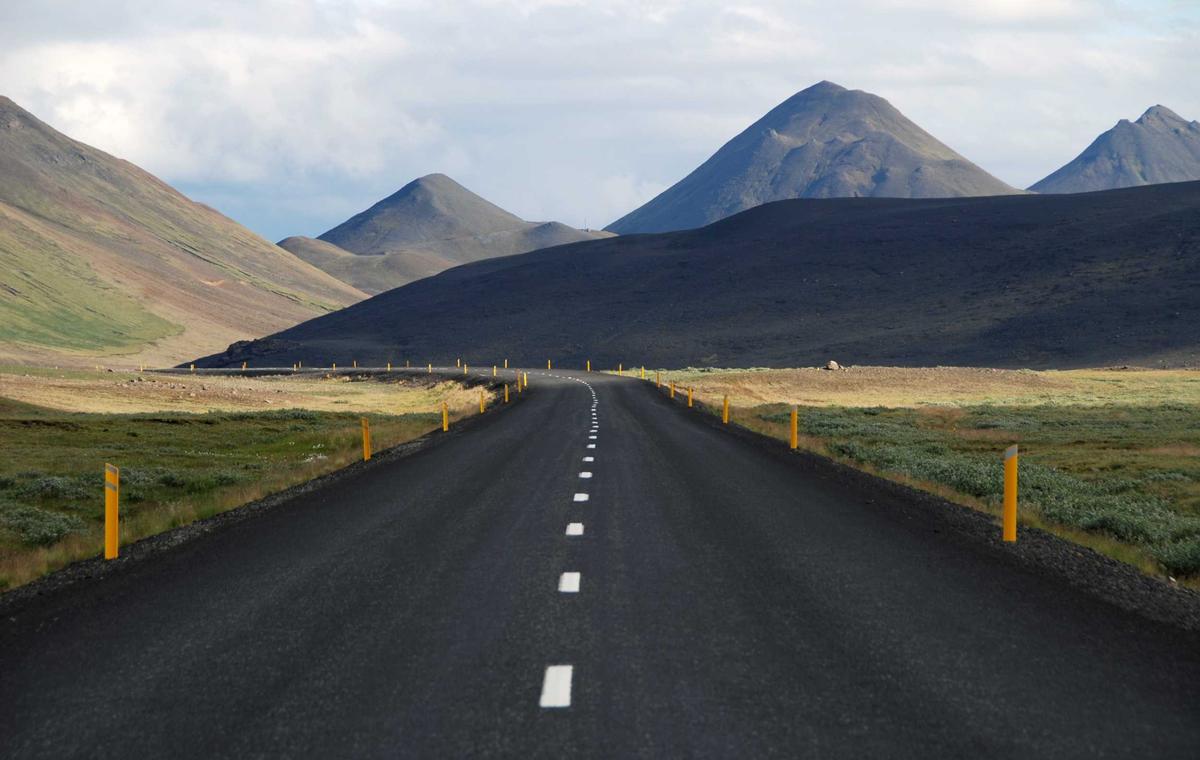
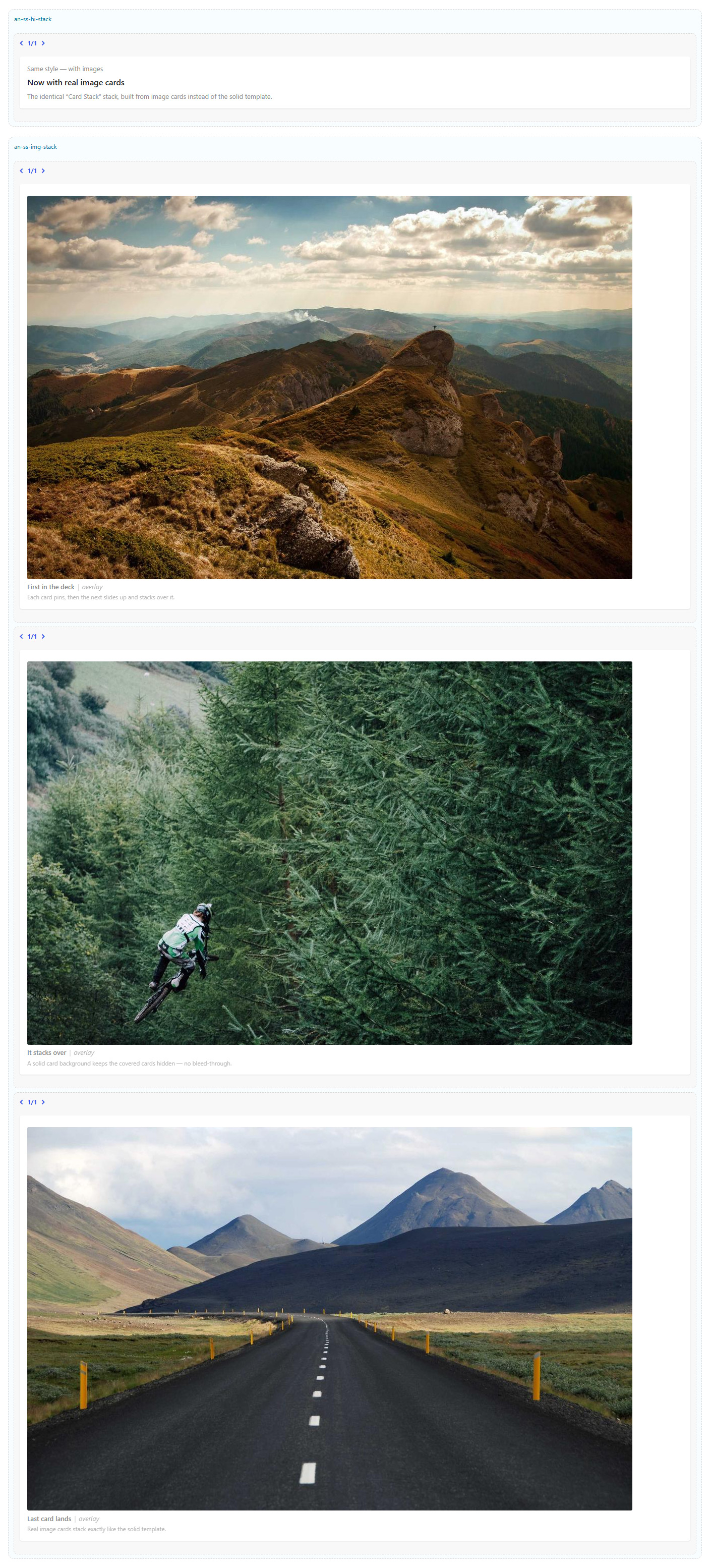
Same style — with images
Now with real image cards
The identical “Card Stack” stack, built from image cards instead of the solid template.

Stack style
Scale & Fade
As the next card arrives, the covered card shrinks and dims back.
Scale & Fade — first card
Scroll slowly and watch how the covered card transforms.
Scale & Fade — second card
The “Scale & Fade” style, applied live. No library — pure sticky positioning plus one passive listener.
Scale & Fade — last card
Reduced-motion visitors just see the cards flow normally. Loads on-demand.
Same style — with images
Now with real image cards
The identical “Scale & Fade” stack, built from image cards instead of the solid template.
Stack style
Fade
Covered cards simply fade away under the incoming one.
Fade — first card
Scroll slowly and watch how the covered card transforms.
Fade — second card
The “Fade” style, applied live. No library — pure sticky positioning plus one passive listener.
Fade — last card
Reduced-motion visitors just see the cards flow normally. Loads on-demand.
Same style — with images
Now with real image cards
The identical “Fade” stack, built from image cards instead of the solid template.
Stack style
Blur
Covered cards blur out of focus as they settle underneath.
Blur — first card
Scroll slowly and watch how the covered card transforms.
Blur — second card
The “Blur” style, applied live. No library — pure sticky positioning plus one passive listener.
Blur — last card
Reduced-motion visitors just see the cards flow normally. Loads on-demand.
Same style — with images
Now with real image cards
The identical “Blur” stack, built from image cards instead of the solid template.
Stack style
3D Tilt Back
Covered cards tip backward in 3D, like pages being laid down.
3D Tilt Back — first card
Scroll slowly and watch how the covered card transforms.
3D Tilt Back — second card
The “3D Tilt Back” style, applied live. No library — pure sticky positioning plus one passive listener.
3D Tilt Back — last card
Reduced-motion visitors just see the cards flow normally. Loads on-demand.
Same style — with images
Now with real image cards
The identical “3D Tilt Back” stack, built from image cards instead of the solid template.
Stack style
Fan Deck
The stacked cards fan out slightly, like a hand of cards.
Fan Deck — first card
Scroll slowly and watch how the covered card transforms.
Fan Deck — second card
The “Fan Deck” style, applied live. No library — pure sticky positioning plus one passive listener.
Fan Deck — last card
Reduced-motion visitors just see the cards flow normally. Loads on-demand.
Same style — with images
Now with real image cards
The identical “Fan Deck” stack, built from image cards instead of the solid template.
Stack style
Messy Pile
Each covered card settles at a small random angle — a casual pile.
Messy Pile — first card
Scroll slowly and watch how the covered card transforms.
Messy Pile — second card
The “Messy Pile” style, applied live. No library — pure sticky positioning plus one passive listener.
Messy Pile — last card
Reduced-motion visitors just see the cards flow normally. Loads on-demand.
Same style — with images
Now with real image cards
The identical “Messy Pile” stack, built from image cards instead of the solid template.
Stack style
Slide Aside
Covered cards slide off to the side as the next one lands.
Slide Aside — first card
Scroll slowly and watch how the covered card transforms.
Slide Aside — second card
The “Slide Aside” style, applied live. No library — pure sticky positioning plus one passive listener.
Slide Aside — last card
Reduced-motion visitors just see the cards flow normally. Loads on-demand.
Same style — with images
Now with real image cards
The identical “Slide Aside” stack, built from image cards instead of the solid template.
Stack style
Peel
The top card peels away to reveal the next beneath it.
Peel — first card
Scroll slowly and watch how the covered card transforms.
Peel — second card
The “Peel” style, applied live. No library — pure sticky positioning plus one passive listener.
Peel — last card
Reduced-motion visitors just see the cards flow normally. Loads on-demand.
Same style — with images
Now with real image cards
The identical “Peel” stack, built from image cards instead of the solid template.
Stack style
Push
Each incoming card pushes the one before it up and out of the way.
Push — first card
Scroll slowly and watch how the covered card transforms.
Push — second card
The “Push” style, applied live. No library — pure sticky positioning plus one passive listener.
Push — last card
Reduced-motion visitors just see the cards flow normally. Loads on-demand.
Same style — with images
Now with real image cards
The identical “Push” stack, built from image cards instead of the solid template.
Stack style
Grow
The incoming card grows into place over the stack.
Grow — first card
Scroll slowly and watch how the covered card transforms.
Grow — second card
The “Grow” style, applied live. No library — pure sticky positioning plus one passive listener.
Grow — last card
Reduced-motion visitors just see the cards flow normally. Loads on-demand.
Same style — with images
Now with real image cards
The identical “Grow” stack, built from image cards instead of the solid template.
How to set it up
Add it in under a minute
- Build one Section with several full-width columns — each column is a card (give each a solid background so the top card hides the ones beneath).
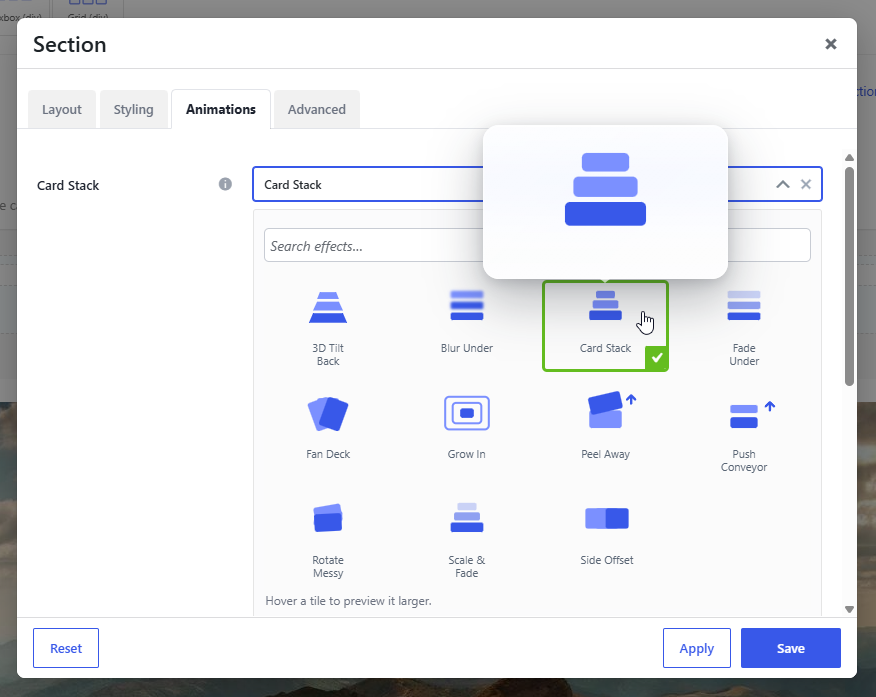
- Open the Section → Animations → Card Stack and pick one of the 11 styles.
- Set the Pin offset (clear any sticky header), the Stagger, and the Intensity.
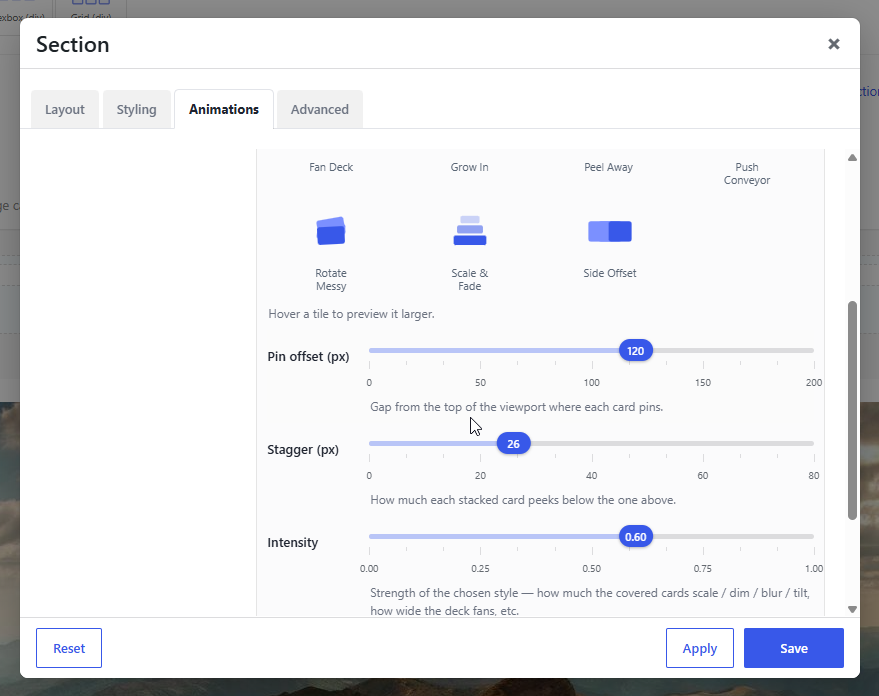
- Save and scroll — the cards pin and stack.