
Animation Engine
Scroll Motion
GSAP + ScrollTrigger motion on any element — 11 scroll-driven effects (reveal, stagger, split text, parallax, pin, scrub, zoom, rotate, blur, clip and skew), all from the Animations tab.
Live demo
See it in action
11 effects, one tab
Every effect below is live — scroll and watch.
Each is applied from the element’s Animations tab, no code. Scroll back up to replay any of them.
Scroll effect
Reveal
Fades, rises and un-blurs into place as it enters.

Reveal
Scroll effect
Stagger
A group cascades in, one item after another.
First
Cascades in first.
Second
Then this one.
Third
And finally this.
Scroll effect
Split Text
A heading assembles character by character.
Character by character
Scroll effect
Zoom In
Scales up from further out as it arrives.

Zoom In
Scroll effect
Rotate In
Spins gently upright into position.

Rotate In
Scroll effect
Blur In
Sharpens from a soft blur.
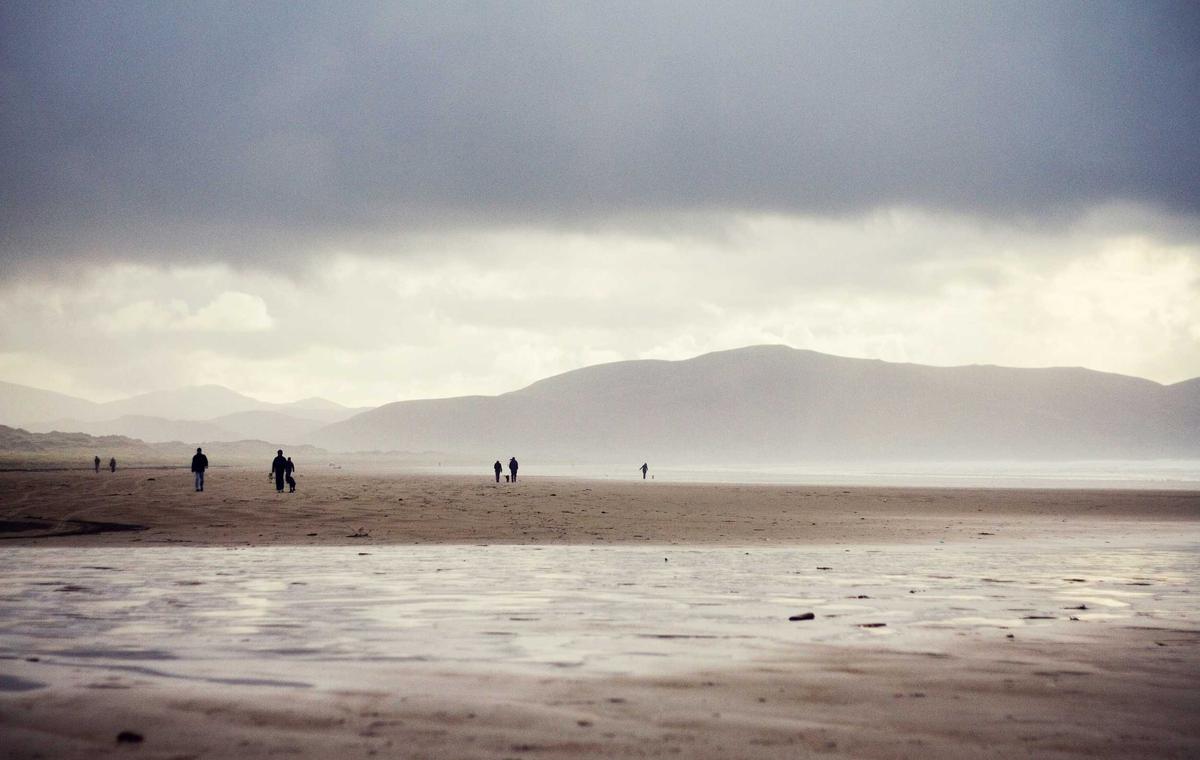
Blur In
Scroll effect
Clip Wipe
A clip-path wipe uncovers it from the bottom up.

Clip Wipe
Scroll effect
Skew Settle
Slides in skewed, then straightens out.
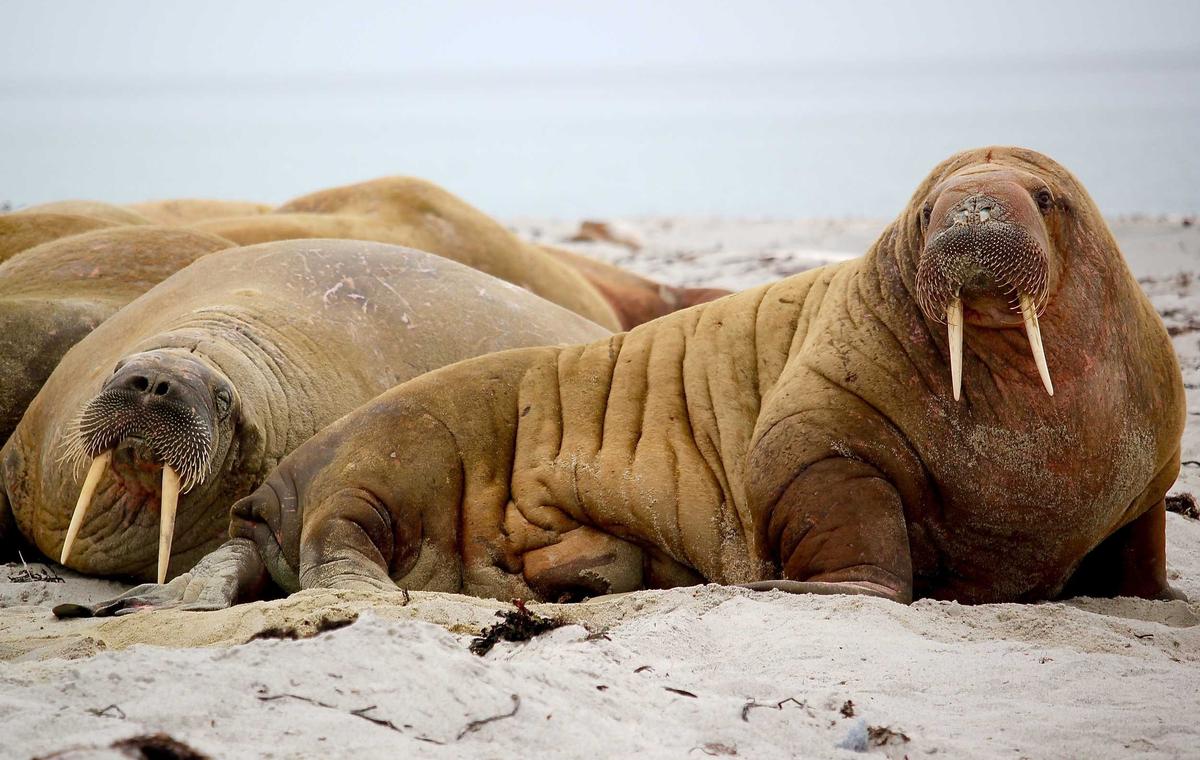
Skew Settle
Scroll-linked
These follow the scrollbar directly
Parallax
The text holds still while the image drifts against the scroll.

Scrub
The animation is scrubbed by the scrollbar — scroll up and down and it follows.

Scrub

Pinned
This column keeps scrolling…
…while the card on the left stays pinned in place.
Pin holds any element in view for a set stretch of scrolling — great for step-by-step reveals and sticky visuals.
How to set it up
Add it in under a minute
- Open a Section, Column or element → Animations tab.
- Under Scroll Motion (GSAP), pick a Scroll Effect — Reveal, Stagger, Split Text, Parallax, Pin, Scrub, Zoom, Rotate, Blur, Clip or Skew.
- Tune direction, distance, timing and easing to taste.
- Save and scroll the page to see it fire.