
Motion Gallery · 3D & Perspective
Depth Stack
A deck receding into depth with a fly-out recycle, spread, wobble and DOF blur.
Example 1 · Scroll choreography
Scroll to play — reveal & dissolve
A full scroll choreography. Motion → Scroll-scrub with Pin on, so YOUR scroll drives the motion — not a timer. Paired with Entrance (Style tab): as the gallery pins to the screen the cards fade in one by one, it animates as you scroll, then they dissolve one by one on the way out.


Example 2 · Entrance + pause on hover
Deck into depth, pause on hover
The default — a deck of cards receding into depth, streaming toward you. The whole stack zooms in on load; Motion → On Hover is Pause. Click a card to open the lightbox.
Example 3 · Fanned out
Fanned across the frame
Spread fans the deck out sideways (Spread 80%, Angle 0) into a trailing arc of cards instead of a single stack, with more cards in the trail.


Example 4 · Depth of field
Back cards blurred away
Depth Blur + Depth Fade give a real depth-of-field falloff — the hero stays sharp while the cards behind it soften and dim into the distance.
Example 5 · Scatter & wobble
A hand-tossed pile
Scatter layout throws the cards to random offsets and Wobble tilts each one — a loose, hand-tossed pile rather than a neat deck.
Example 6 · Ratio & size
Big landscape cards
A bigger hero card at 3:4 (the default is 4:5) with rounded corners. Click a card to open it full-size.
Example 7 · Aisle (dolly gallery)
Dolly down an aisle
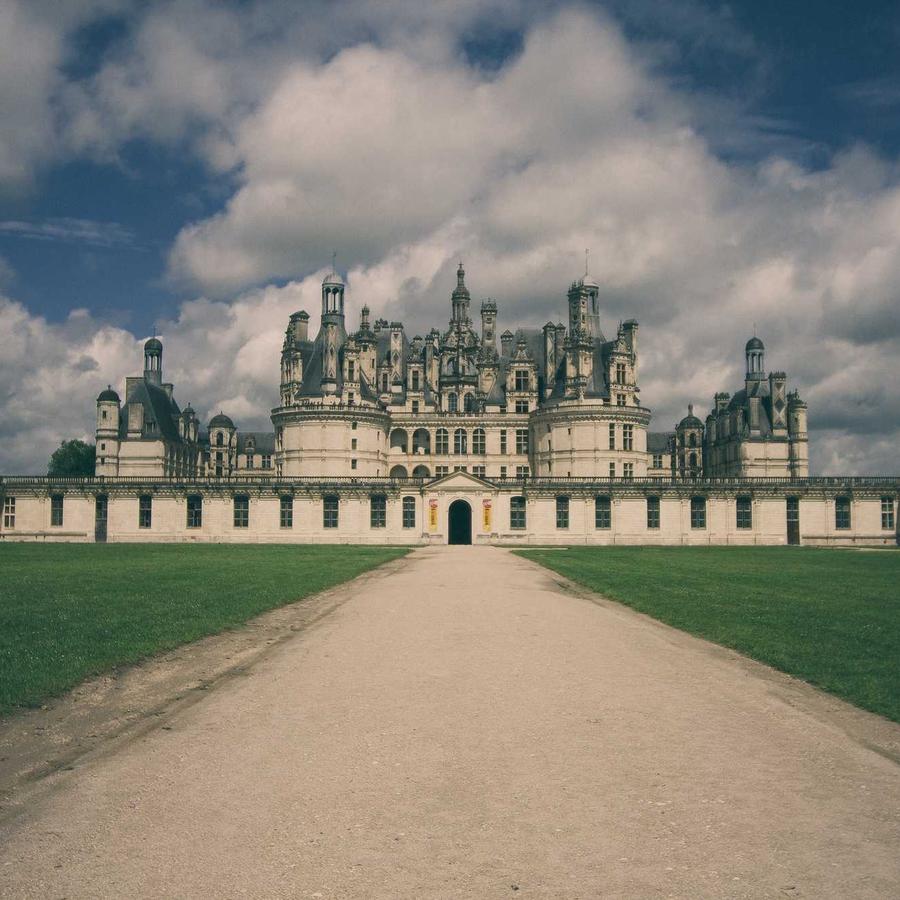
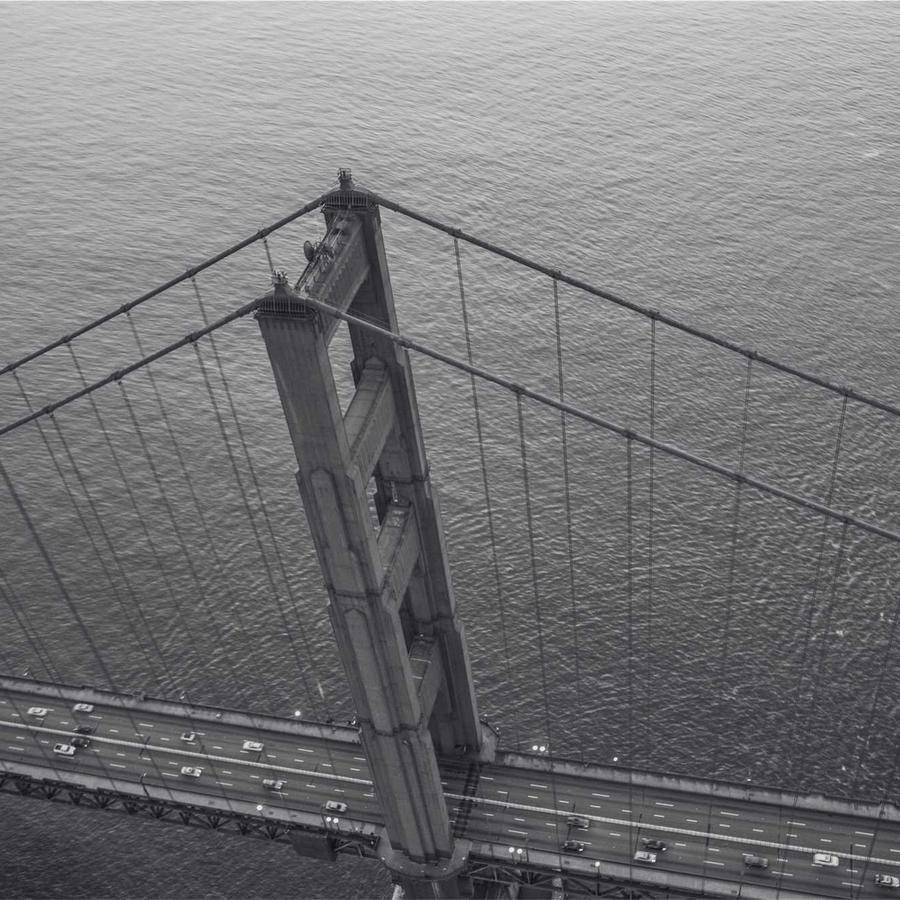
The new Aisle layout sends the cards to both sides of an open aisle; the deck dollies down the middle, near frames sweeping past faster than far ones — a "floating gallery" you glide through. Best on Motion → Scroll-scrub.
Example 8 · Field (fly through a cloud)
Through a cloud of images
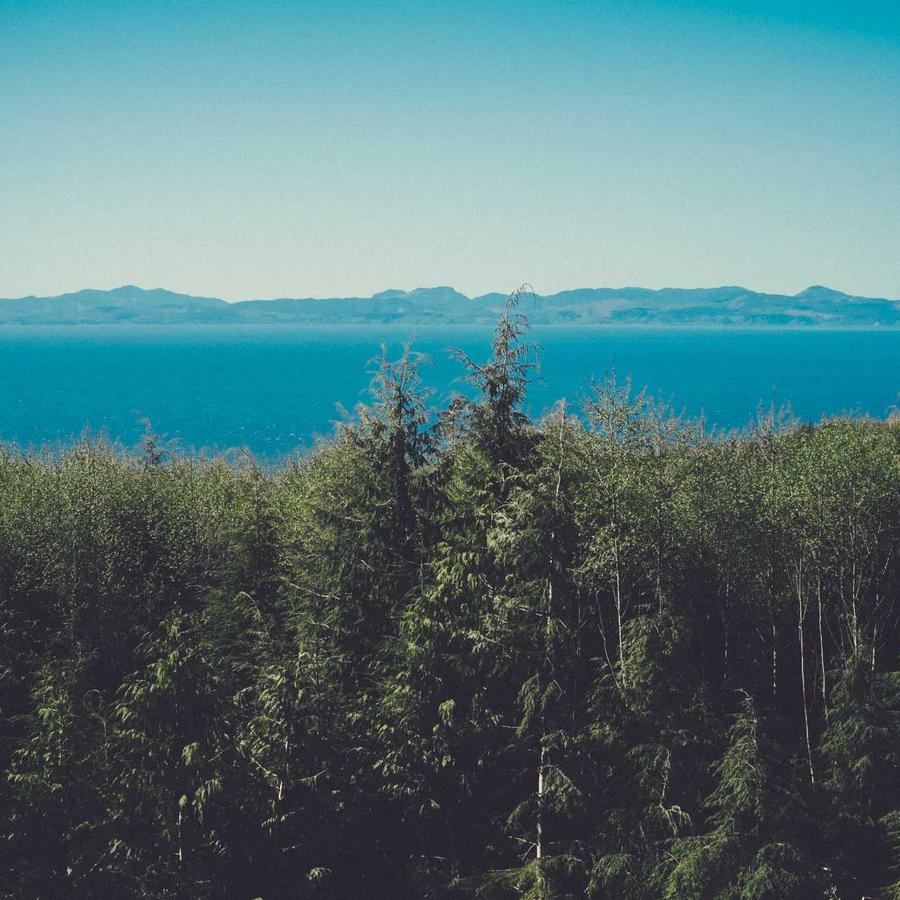
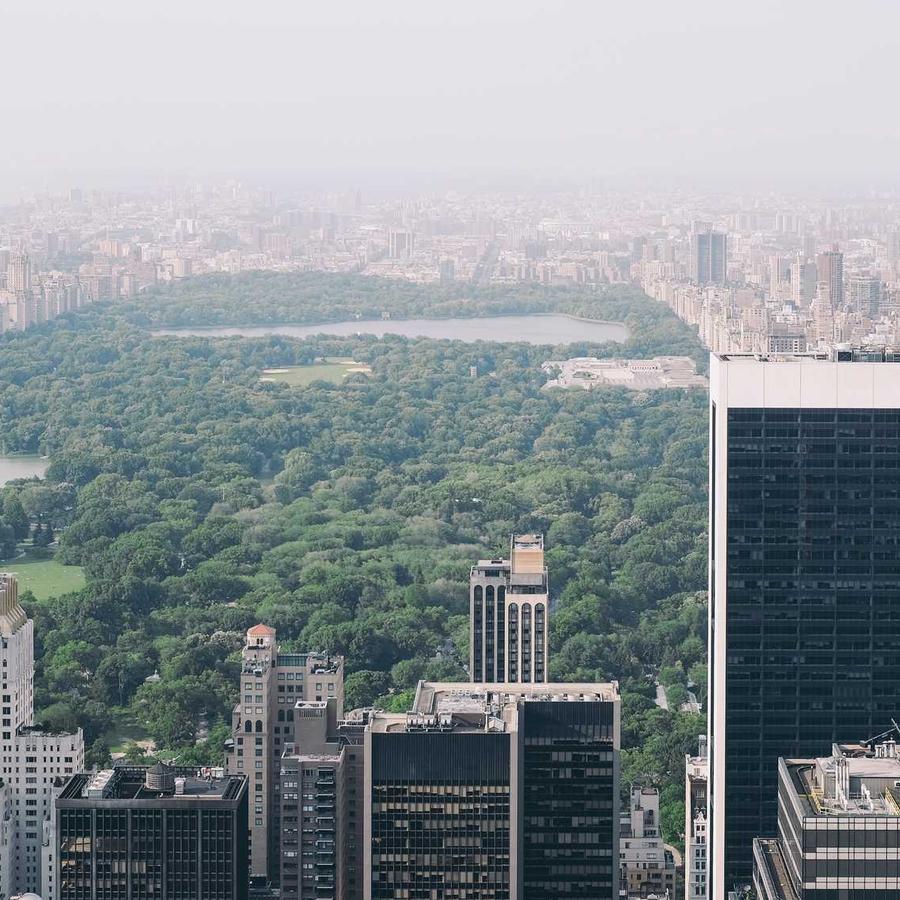
The new Field layout scatters the cards into a wide cloud at varied depths; you fly straight through it, images drifting past on every side — heavy parallax. A dense card count fills the field.
Example 9 · Aisle on auto
A gallery that glides on its own
The Aisle layout on continuous Motion — the deck dollies down the aisle by itself (pause on hover), images passing on both sides. Click a card to open it full-size.
Example 10 · Dreamy field
A soft, drifting cloud
The Field layout with Depth Blur + Depth Fade — the images nearest you stay sharp while the cloud softens and dims into the distance, for a dreamy, atmospheric fly-through. Plus Stage Overflow = Spill, so the fanned cards show in full beyond the stage box — and the gallery sits at Z-Index −1 (Advanced → Position: Relative) behind this heading, so the title stays clean in front of the overflow.
Docs & Playground
Tweak every option live
Play with all of these settings in real time and read the full option reference in the manual.