
Animation Engine
Motion Path
Send any element travelling along a path instead of a straight line — a preset shape (wave, arc, loop, S-curve, zigzag, spiral, circle, incline) or your own SVG path. Drive it by scroll (scrubbed), on a loop, or once on view; optionally rotate it to follow the curve.
Live demo
See it in action
37 shapes · 3 drive modes
Elements that travel a path.
Each object below rides an SVG path rather than a straight tween — scrubbed by your scroll, looping forever, or playing once on view. Set from the element’s Animations tab; “Align to path” rotates it to nose along the curve. Scroll slowly.
Scroll-scrubbed
The object’s position = your scroll
▶ scroll
Loop
Travels the path forever
↻ loop
On view
Plays once when it enters
arc in
Path shapes
37 presets — or paste your own SVG path
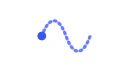
Wave

Arc
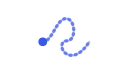
Loop
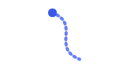
S-Curve
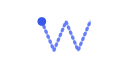
Zigzag
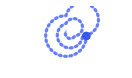
Spiral
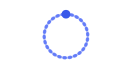
Circle
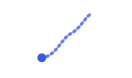
Incline
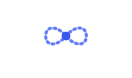
Figure 8
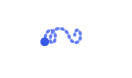
Double Loop

Knot
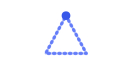
Triangle

Square

Diamond
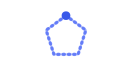
Pentagon

Hexagon

Octagon

Star
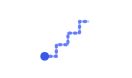
Stairs
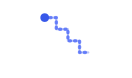
Steps Down

L-Corner
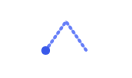
Chevron

Lightning
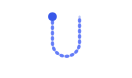
U-Turn

Bounce
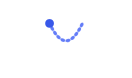
Pendulum

Helix

Corkscrew

Swoosh
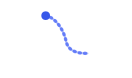
Comet

Ricochet

Heart
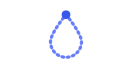
Teardrop
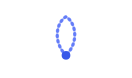
Petal
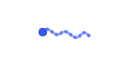
Ribbon
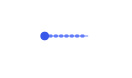
Line

Drift
How to set it up
Add it in under a minute
- Open an element → Animations → Motion Path.
- Pick a path shape (or paste custom SVG path data), and a Drive — Scroll, Loop, or On view.
- Set the path size, start offset, direction, and turn on Align to path to rotate along the curve.
- Save and scroll — the element rides the path.