
Motion Gallery · Animation Engine
Motion Gallery
One shortcode, many living 3D layouts — rings, spheres, walls, tunnels, cover flows and more. Pick a design from the menu to see it live. Every design is pure CSS 3D on a shared rAF driver: it pauses off-screen and honours reduce-motion.
Example 1 · Scroll choreography
Scroll to spin the globe — reveal & dissolve
A full scroll choreography. Motion → Scroll-scrub with Pin on and Rounds per scroll = 2, so YOUR scroll turns the globe — not a timer. Paired with Entrance (Style tab): as the sphere pins to the screen the tiles fade in one by one, the globe rotates twice as you scroll, then they dissolve one by one on the way out.







Example 2 · Entrance + pause on hover
Spin up the globe, pause on hover
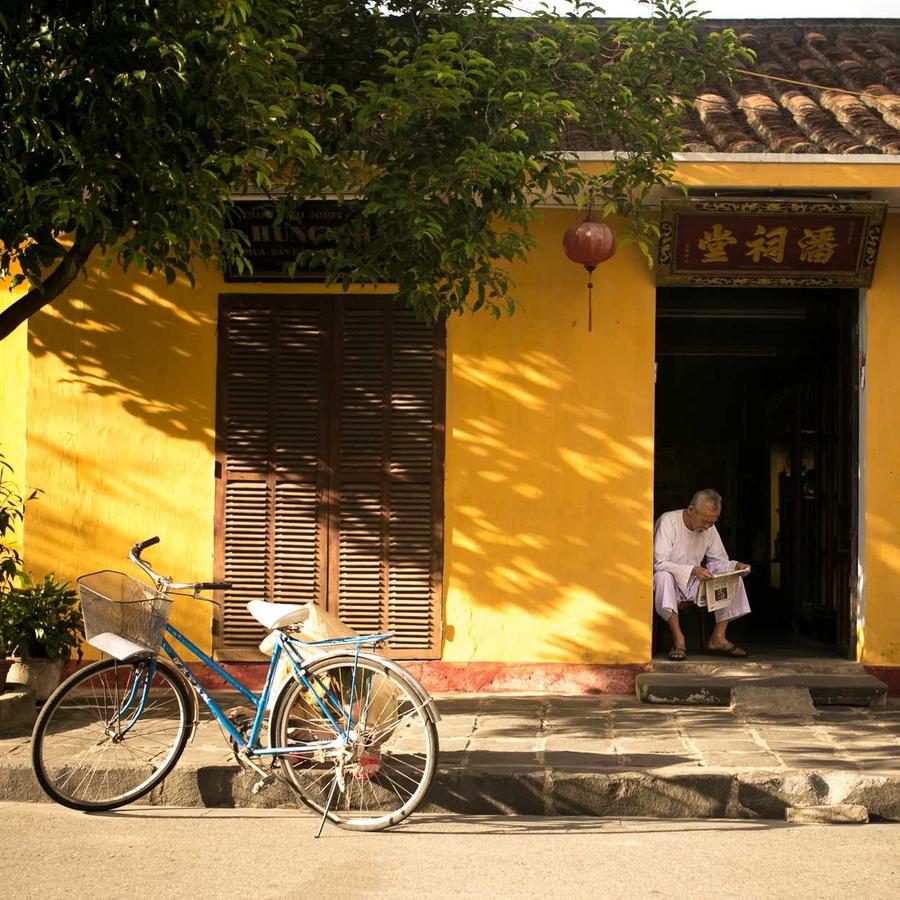
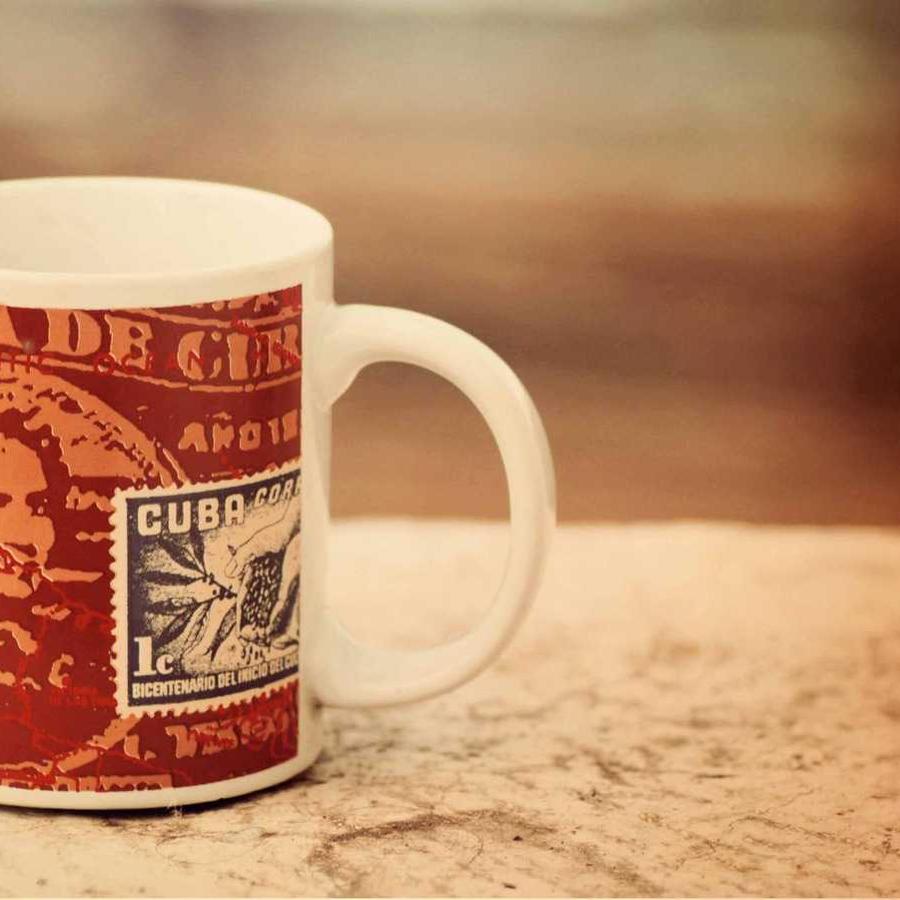
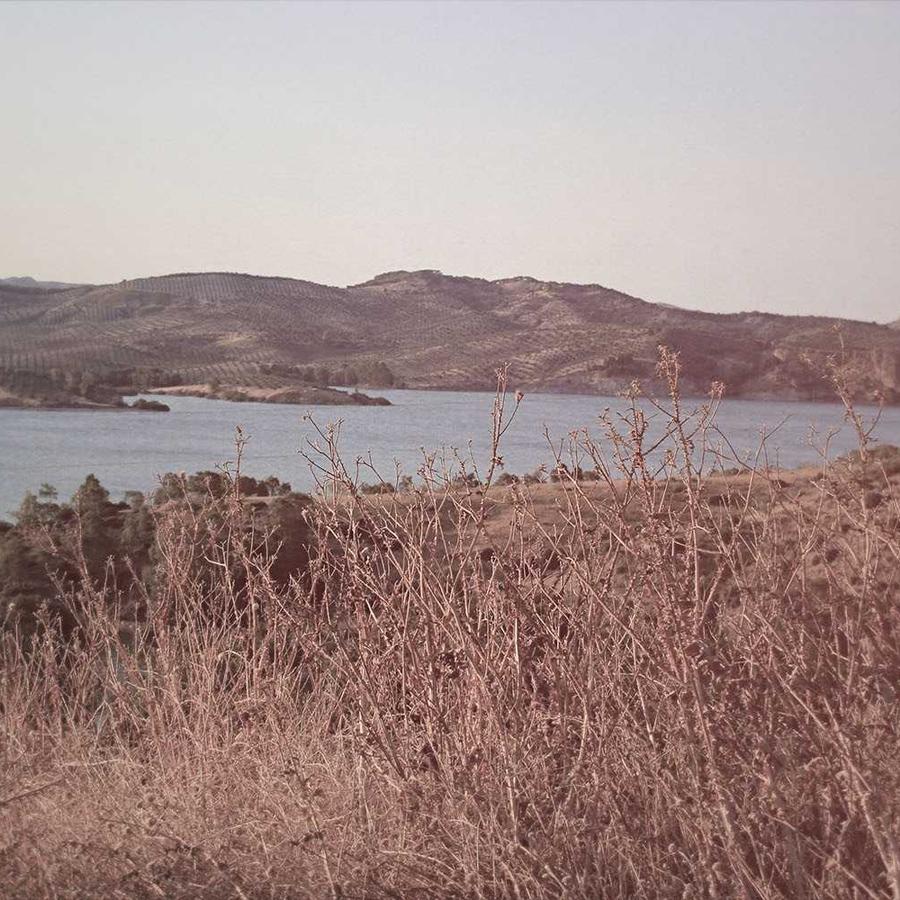
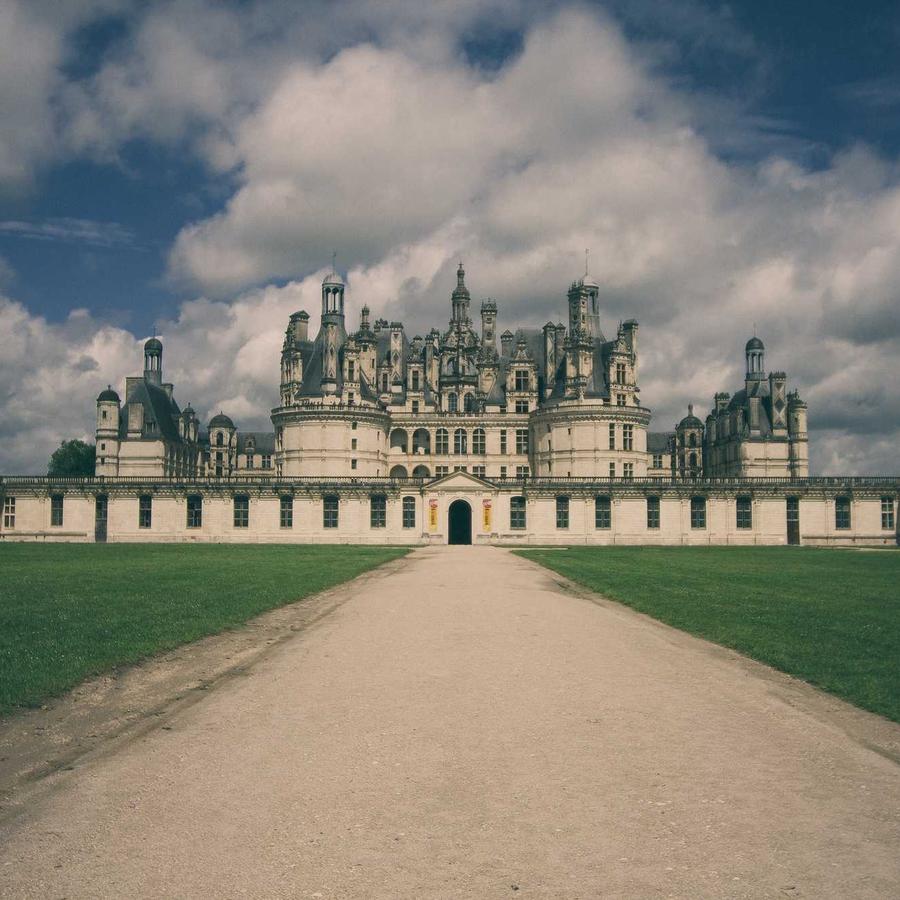
The default sphere — cards tiled over a globe that slowly rotates. The whole sphere zooms into view on load (Entrance Animation = Zoom In; on a 3D design the entrance plays on the entire gallery, not per card). Motion → On Hover is Pause, so it holds still while you look. Click a card to open the lightbox.
Example 3 · Tiling density
A finely-tiled globe
Smaller cards (Card Size 12%) with a tighter Gap tile the sphere far more finely, so it reads as a smooth round globe instead of a faceted one — on a slightly larger sphere.
Example 4 · Tilt & back-fade
Tilted globe, dark rim
The globe tipped forward (Tilt −30°) with the cards near the rim dimmed almost to black (Back Fade 85%), so the front of the sphere pops out of a shadowed edge.
Example 5 · Size & perspective
Big, close sphere
A larger globe (Globe Size 92%) pulled close to the camera with a stronger Perspective, its cards bigger — an immersive sphere filling the stage, spinning to the Right.
Example 6 · Ratio & corners
Square cards, soft corners
Square 1:1 cards (the default is widescreen 16:9) with rounded corners tiling the globe — a cleaner, more uniform mosaic on the sphere. Click a card to open it full-size. Plus Stage Overflow = Spill, so the fanned cards show in full beyond the stage box — and the gallery sits at Z-Index −1 (Advanced → Position: Relative) behind this heading, so the title stays clean in front of the overflow.
Docs & Playground
Tweak every option live
Play with all of these settings in real time and read the full option reference in the manual.