
Motion Gallery · 3D & Perspective
Orbit Globe
Cards float through a sphere volume, each facing you — a depth-of-field orbit.
Example 1 · Scroll choreography
Scroll to play — reveal & dissolve
A full scroll choreography. Motion → Scroll-scrub with Pin on and Rounds per scroll = 2, so YOUR scroll drives the motion — not a timer. Paired with Entrance (Style tab): as the gallery pins to the screen the cards fade in one by one, it animates as you scroll, then they dissolve one by one on the way out.




Example 2 · Entrance + pause on hover
Orbiting cloud, pause on hover
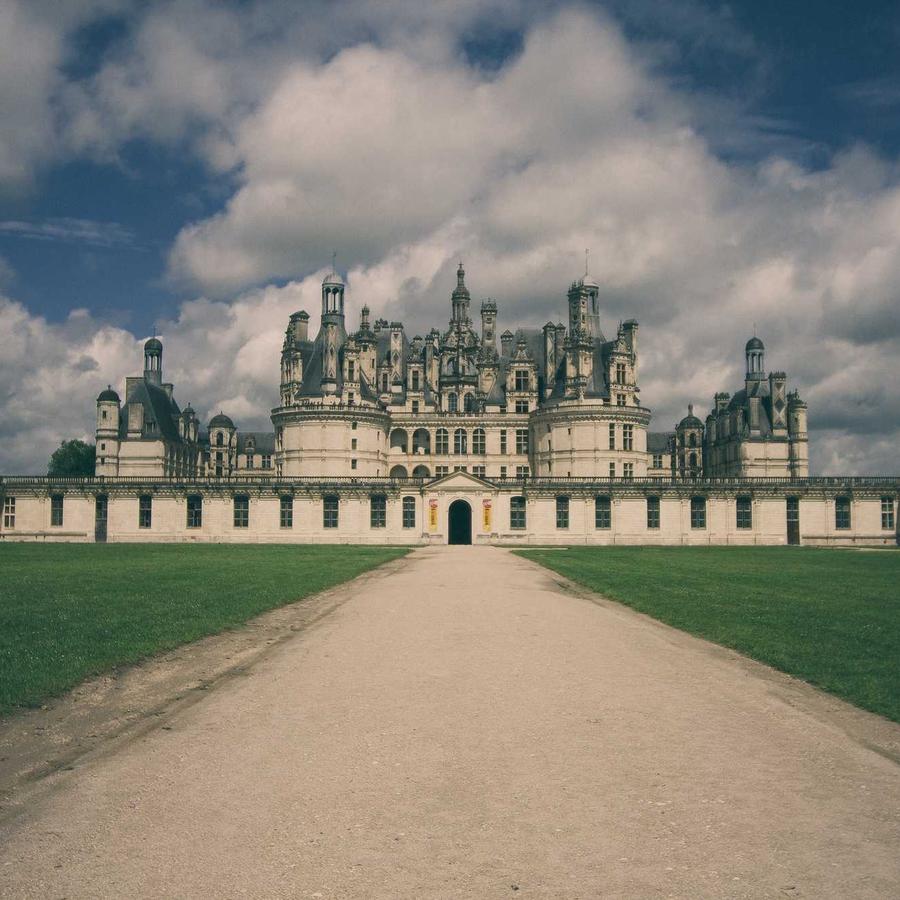
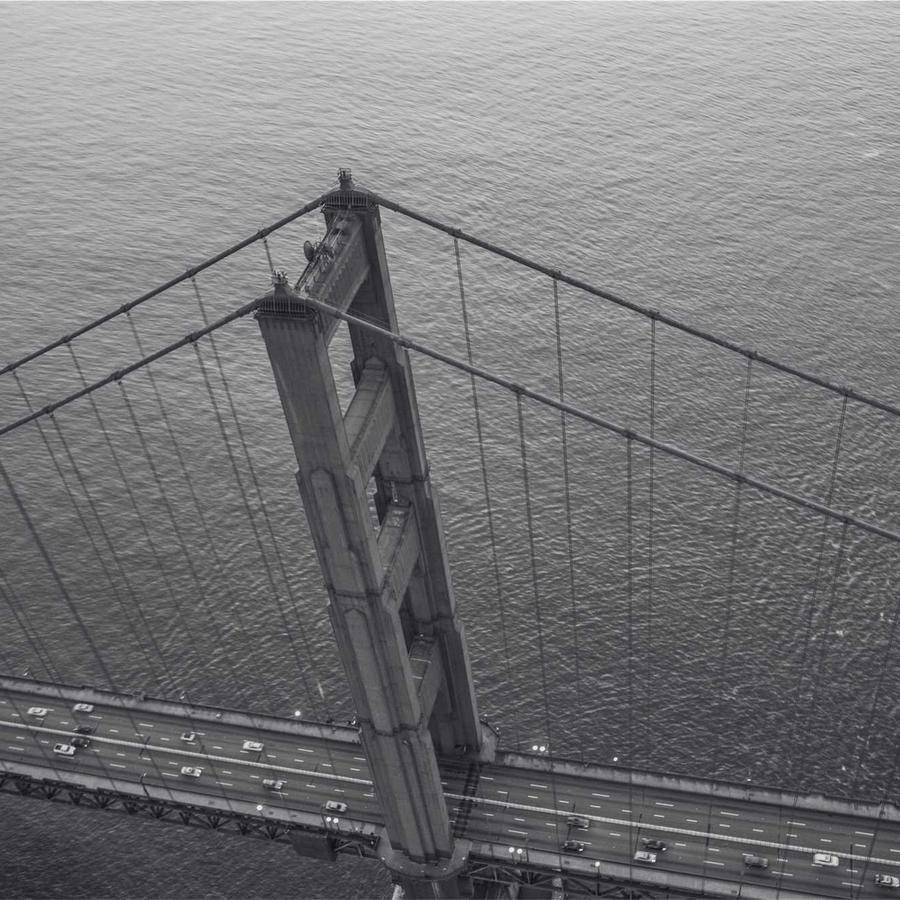
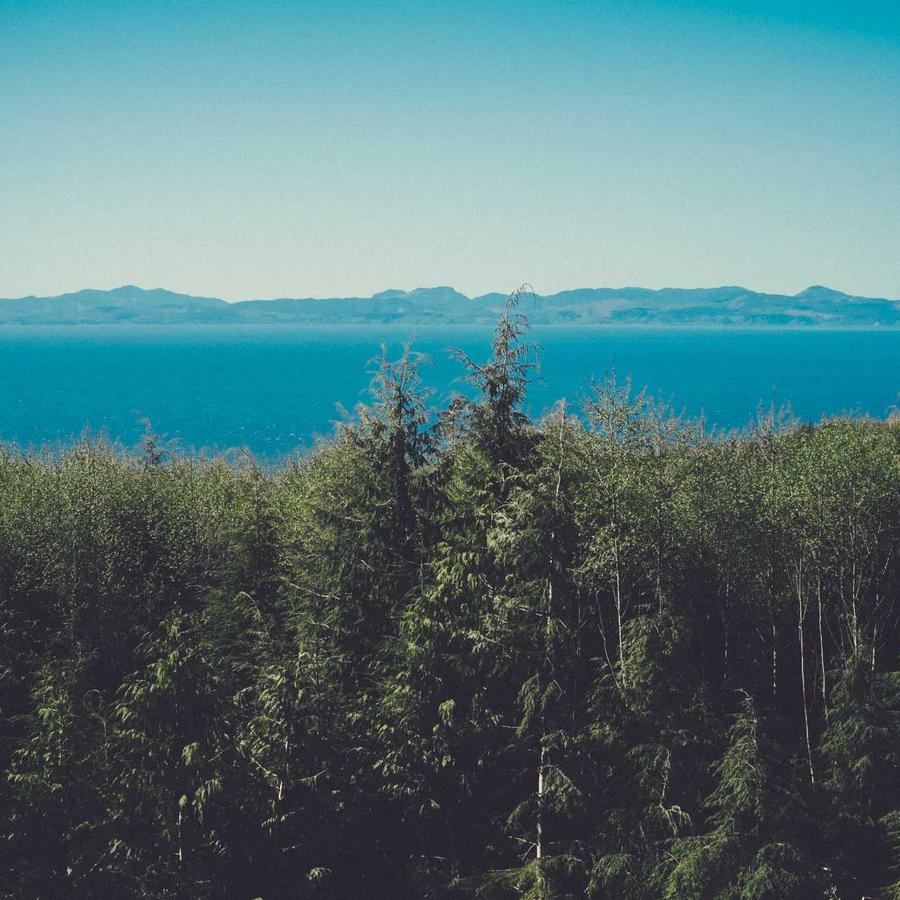
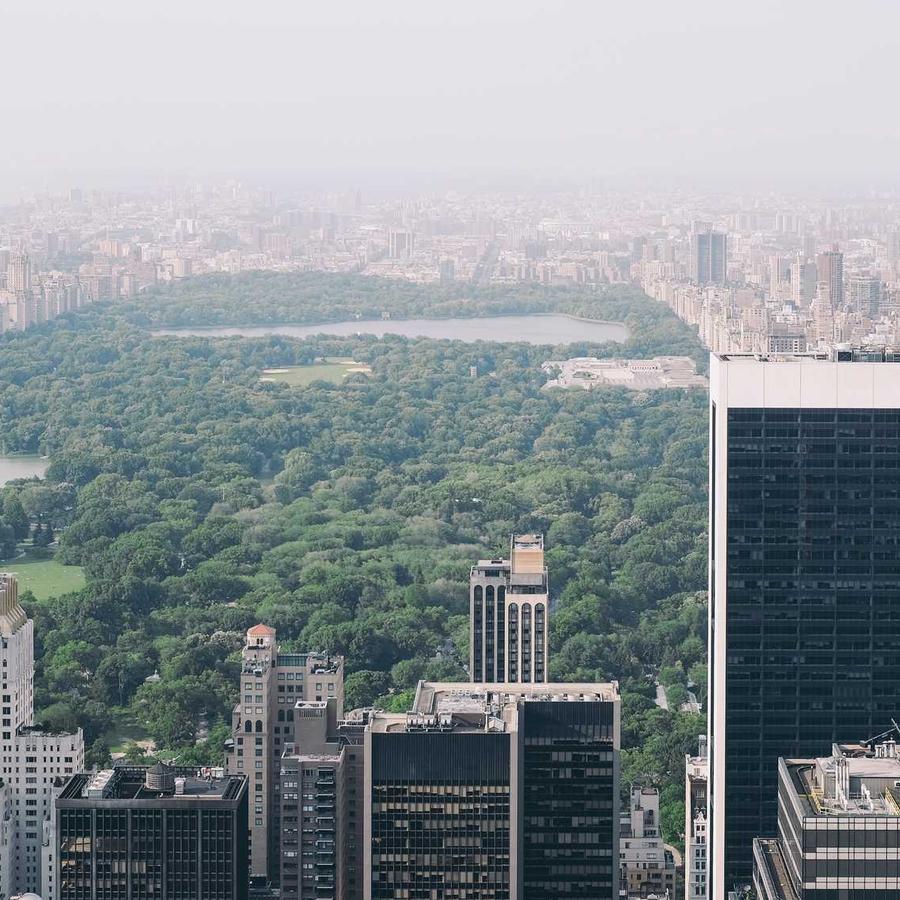
The default orbit — cards scattered through a sphere and always facing you, slowly circling. The whole cloud zooms into view on load (Entrance Animation = Zoom In; on a 3D design the entrance plays on the entire gallery, not per card). Motion → On Hover is Pause. Click a card to open the lightbox.
Example 3 · Density
A dense orbiting cloud
Smaller cards (Card Size 12%) with a tight Gap pack the cloud far more densely — many more cards swarming through the orbit volume.
Example 4 · Tilt & back-fade
Tilted axis, faded far side
The orbit axis tipped right over (Tilt −35°) with the far side of the cloud dimmed almost to black (Back Fade 85%), so the near cards read bright against a dark depth.
Example 5 · Size & spread
Big, airy orbit
A large orbit (Globe Size 90%) with a wider Gap that thins the cloud into fewer, bigger cards floating with room to breathe — spinning to the Right.
Example 6 · Ratio & corners
Portrait cards, soft corners
Portrait 3:4 cards with rounded corners orbiting the sphere (the default cards are square). Click a card to open it full-size. Plus Stage Overflow = Spill, so the fanned cards show in full beyond the stage box — and the gallery sits at Z-Index −1 (Advanced → Position: Relative) behind this heading, so the title stays clean in front of the overflow.
Docs & Playground
Tweak every option live
Play with all of these settings in real time and read the full option reference in the manual.