
Motion Gallery · 3D & Perspective
Panorama Wall
A curved wall of cards wrapping around you and scrolling sideways.
Example 1 · Scroll choreography
Scroll to sweep — reveal & dissolve
A full scroll choreography. Motion → Scroll-scrub with Pin on, so YOUR scroll sweeps the wall sideways — not a timer. Paired with Entrance (Style tab): as the wall pins to the screen the cards fade in one by one, the wall sweeps across as you scroll, then they dissolve one by one on the way out. Because this is a flowing (non-rotating) design, Rounds per scroll reads as passes — set to 2, so the wall travels its full length twice across the pin.







Example 2 · Entrance + pause on hover
Wrap-around wall, pause on hover
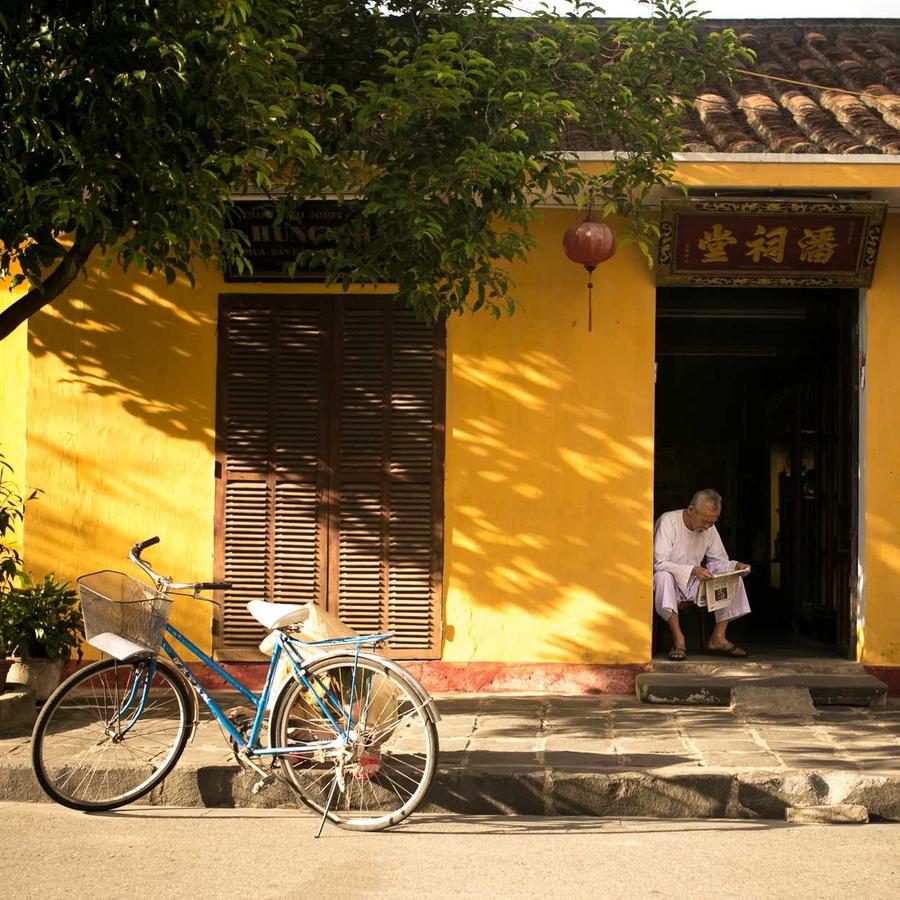
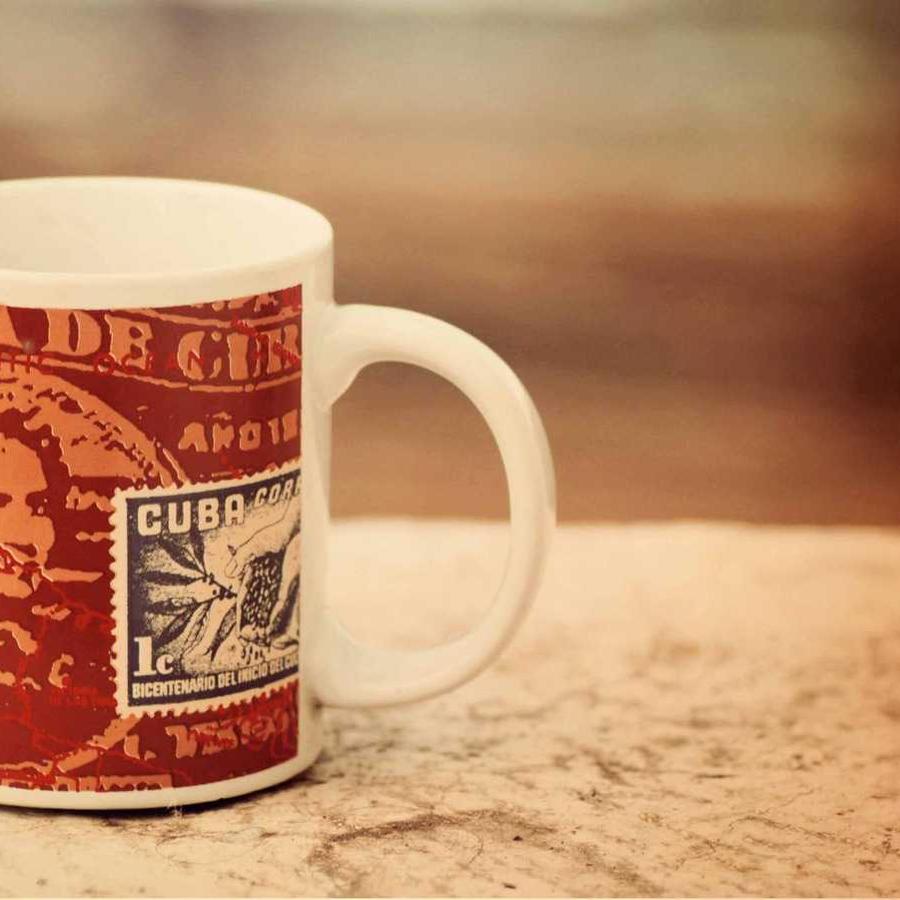
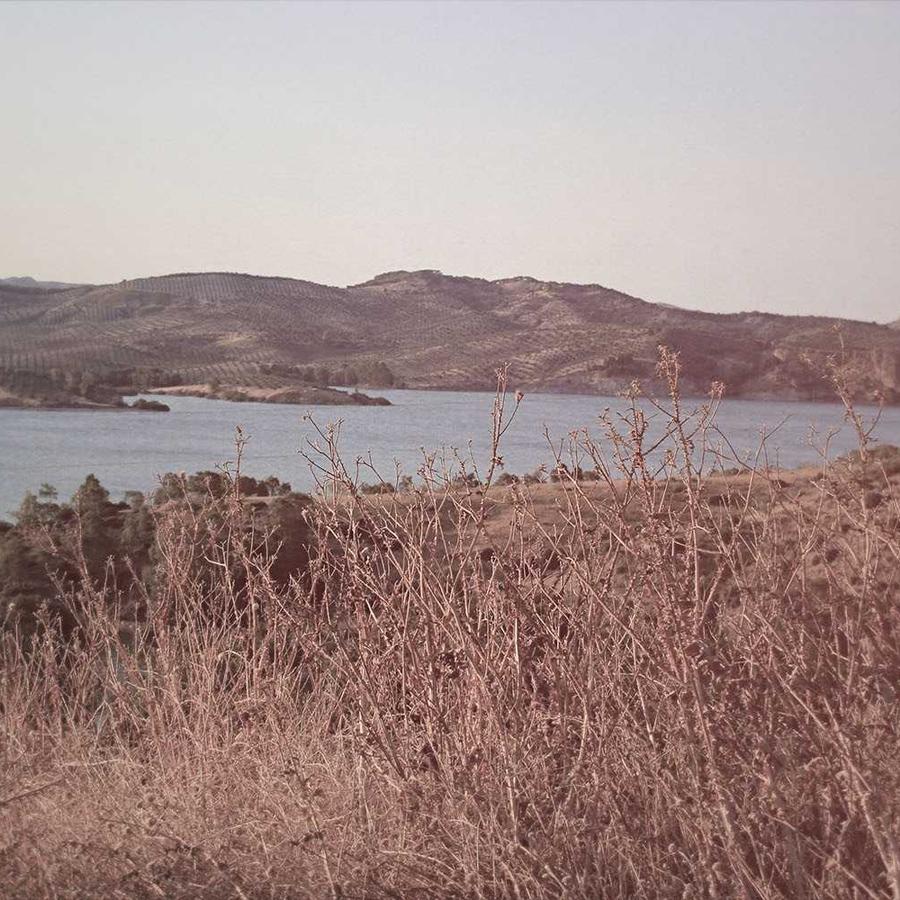
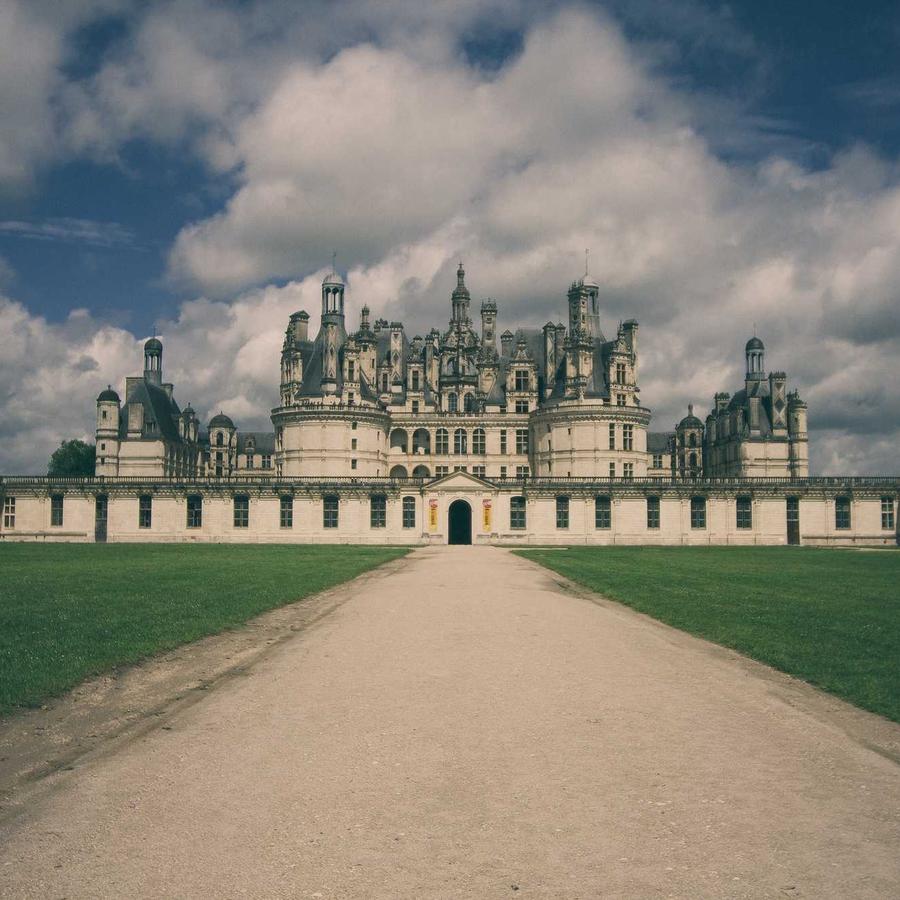
The default concave wall — a grid of cards curving around you (Curvature −100) and scrolling sideways. The whole wall fades into view on load (Entrance Animation = Fade In; on a 3D design the entrance plays on the entire gallery, not per card). Motion → On Hover is Pause, so it holds still while you browse. Click a card to open the lightbox.
Example 3 · Convex curvature
Bulging outward
The same wall flipped to convex — it bulges away from you (Curvature +120) instead of wrapping toward you, with an extra column of cards across each row.
Example 4 · Alternate rows
Rows scrolling opposite ways
A denser wall — more rows and columns of smaller cards — with Motion set to Alternate rows, so each row scrolls the opposite way to the one above it.
Example 5 · Tilt & edge-fade
Tilted, with faded edges
The whole wall tipped up (Tilt −28°) over a tighter concave curve, with the left and right edges fading out (Edge Fade 75%) so the cards melt into the background at the sides.
Example 6 · Ratio & perspective
Portrait cards, deep camera
Tall portrait 3:4 cards (the default is widescreen 16:9) on a deep-perspective wall (Perspective 92) with rounder corners — a closer, more immersive curve. Click a card to open it full-size.
Docs & Playground
Tweak every option live
Play with all of these settings in real time and read the full option reference in the manual.