
Motion Gallery · 3D & Perspective
Carousel Ring
A ring of cards revolving around you — tilt it back, roll it diagonal, open it up.
Example 1 · Scroll choreography
Scroll to spin — reveal & dissolve
A full scroll choreography. Motion → Scroll-scrub with Pin on and Rounds per scroll = 2, so YOUR scroll drives the spin — not a timer. Paired with Entrance (Style tab): as the gallery pins to the screen the images fade in one by one, the ring turns twice as you scroll, then they dissolve one by one on the way out.










Example 2 · Entrance + pause on hover
Spin up, pause on hover
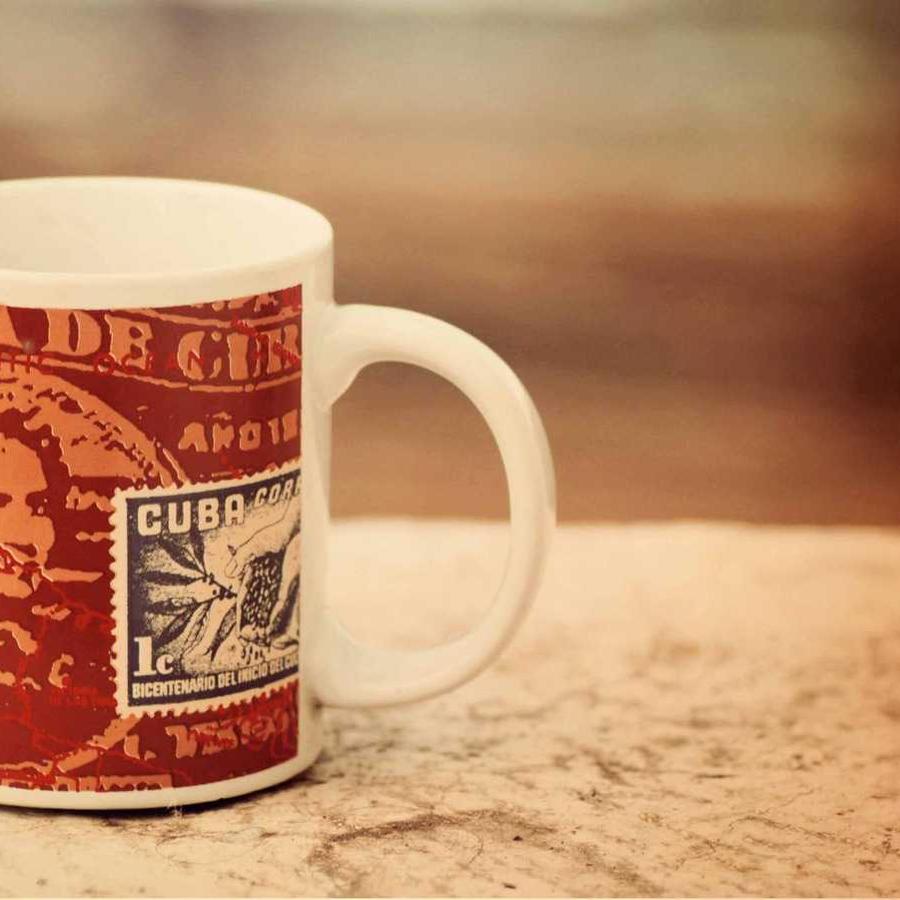
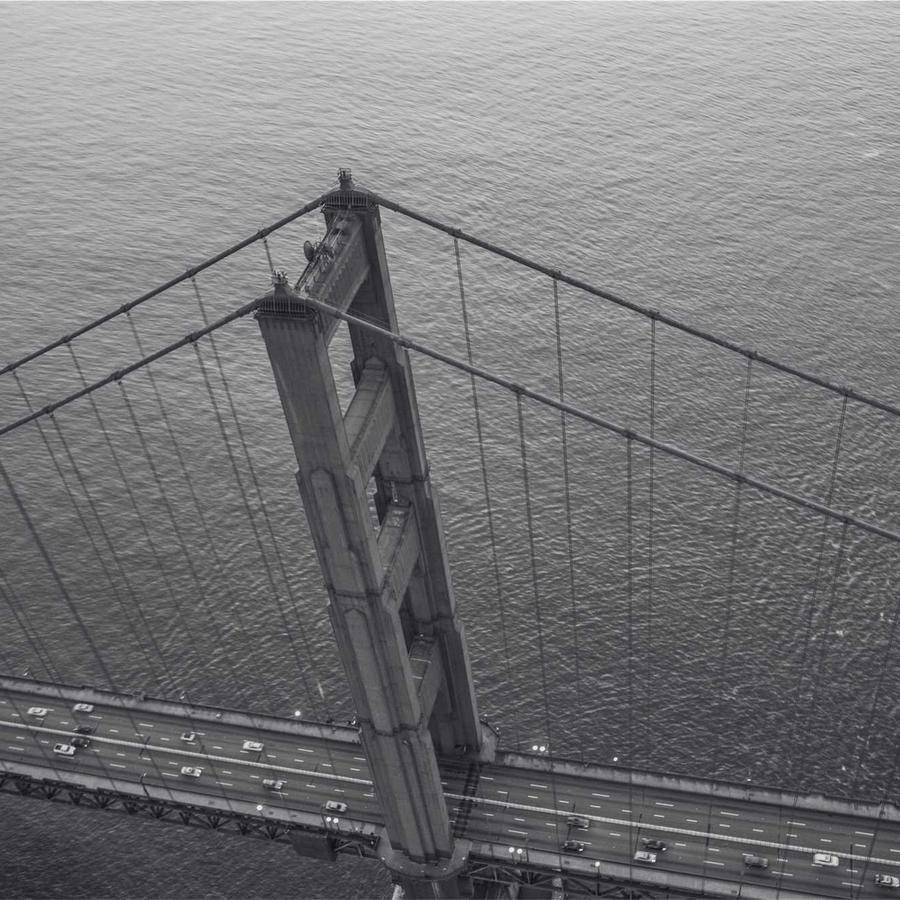
The default ring — a carousel of cards revolving around you. The whole ring zooms into view on load (Entrance Animation = Zoom In; on a 3D design the entrance plays on the entire gallery, not per card). Motion → On Hover is set to Pause, so the ring holds still while you look, then resumes. Click a card to open the lightbox.
Example 3 · Tilt & opening
Edge-on, tilted back
A near edge-on ring tipped away from you — a low Ring Opening (18%) flattens the loop and a strong Ring Tilt (−52°) leans it back, so the cards read as a shallow, receding band.
Example 4 · Diagonal roll
Rolled to a diagonal
The whole ring rolled onto a diagonal axis (Diagonal Tilt 32°) with the cards spread further apart (Card Spacing 130%) — the loop sweeps corner to corner instead of straight across.
Example 5 · Depth & back-fade
Deep camera, dark far side
A closer camera (Perspective 60) exaggerates the depth, and the far side of the ring dims almost to black (Back Fade 95%) so the front cards pop. It spins to the Right, a little faster.
Example 6 · Ratio & size
Big portrait cards, tight ring
Large portrait 3:4 cards on a tighter ring (Ring Size 62%) with rounder corners — fewer, bolder cards sweeping past close to the camera. Click one to open it full-size.
Example 7 · Vertical sway (product orbit)
Orbit it from shifting heights
The new Vertical Sway rocks the ring up and down as it spins (twice per turn), so you orbit the cards from changing heights — a "product orbit" showcase rather than a flat carousel.
Example 8 · Scrub the orbit
Scroll to orbit the product
The same Vertical Sway, but on Motion → Scroll-scrub with Pin on — the visitor's scroll drives the orbit, rocking the ring up and down as it turns, so they inspect the "product" from every angle at their own pace. Plus Stage Overflow = Spill, so the fanned cards show in full beyond the stage box — and the gallery sits at Z-Index −1 (Advanced → Position: Relative) behind this heading, so the title stays clean in front of the overflow.
Docs & Playground
Tweak every option live
Play with all of these settings in real time and read the full option reference in the manual.