
Motion Gallery · 3D & Perspective
Sphere Cascade
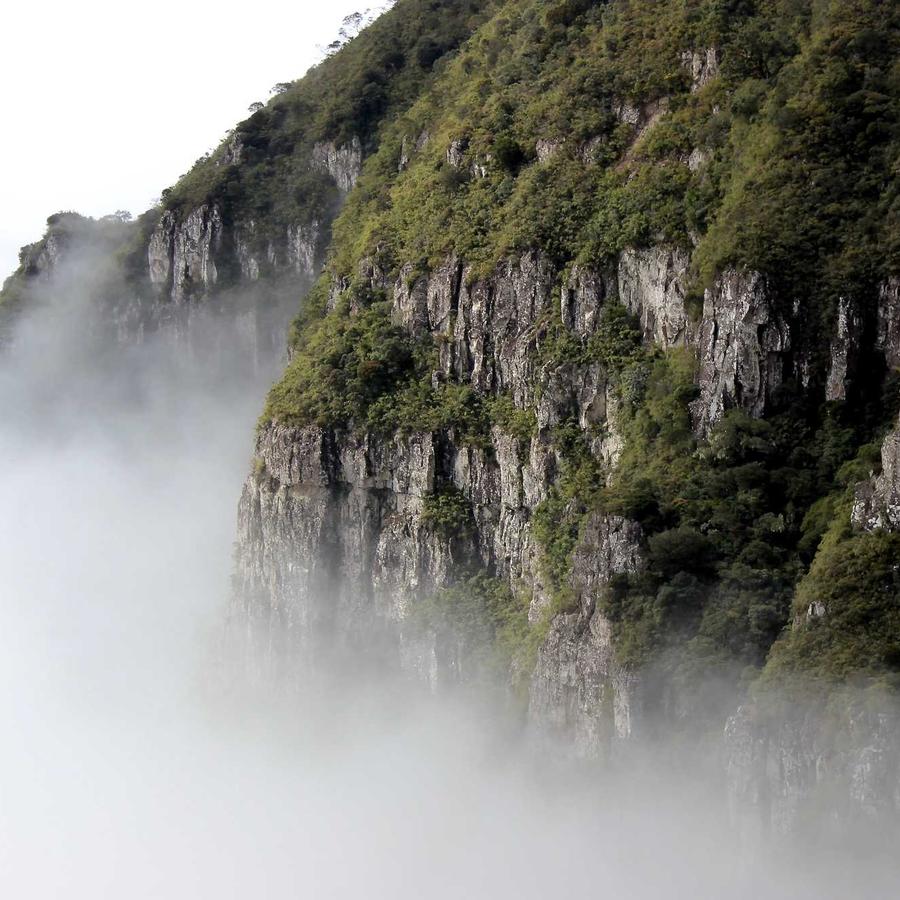
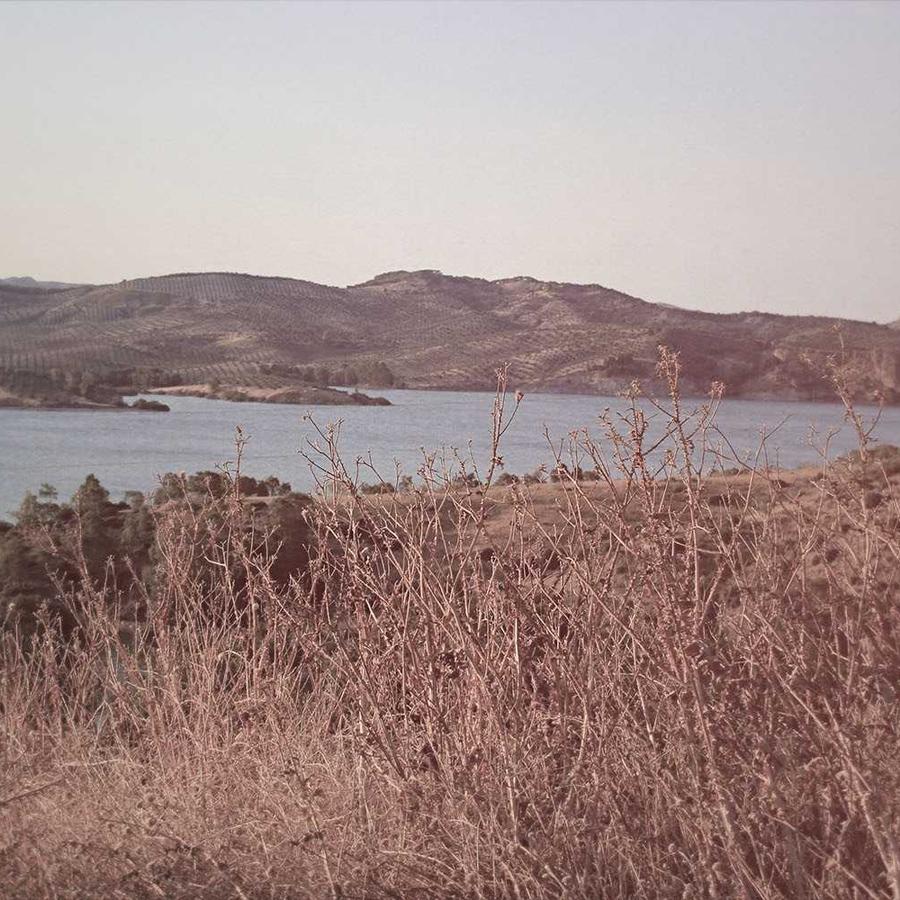
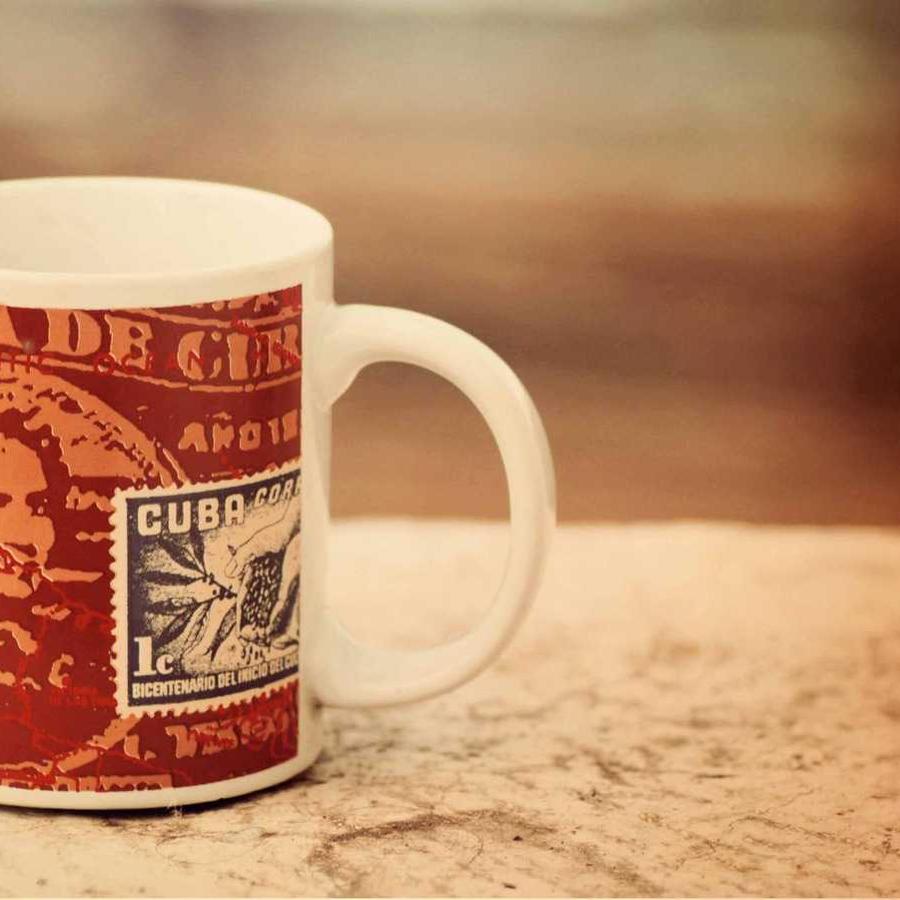
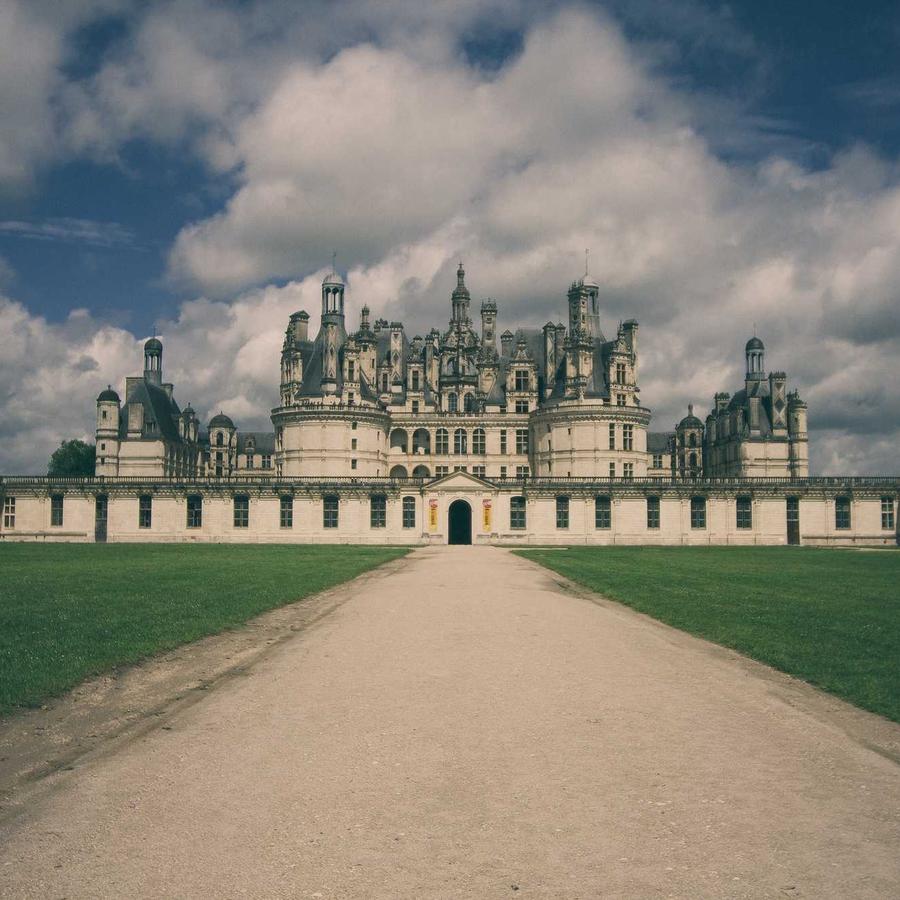
Columns of cards cascade over a signed-curvature surface: bowl → grid → sphere.
Example 1 · Scroll choreography
Scroll to play — reveal & dissolve
A full scroll choreography. Motion → Scroll-scrub with Pin on, so YOUR scroll drives the motion — not a timer. Paired with Entrance (Style tab): as the gallery pins to the screen the cards fade in one by one, it animates as you scroll, then they dissolve one by one on the way out.





Example 2 · Entrance + pause on hover
Cascade down a concave bowl
The default surface — columns of cards cascading down a concave bowl you look into (Curvature −100). The whole surface zooms into view on load (Entrance Animation = Zoom In; on a 3D design the entrance plays on the entire gallery, not per card). Motion → On Hover is Pause. Click a card to open the lightbox.
Example 3 · Full sphere
Wrapped into a full sphere
Push Curvature all the way to +150 and the cascading grid wraps right around into a full convex sphere — the same cards, now a rotating globe.
Example 4 · Flat grid
Flattened & tipped back
The other extreme — Curvature 0 flattens the surface into a plain scrolling grid, then Tilt −22° tips it back into perspective.
Example 5 · Alternate columns
Columns cascading opposite ways
Denser columns of smaller cards, with Motion set to Alternate columns so each column cascades the opposite way to the one beside it.
Example 6 · Ratio & edge-fade
Portrait cards, faded rim
Portrait 3:4 cards on the concave bowl (the default is widescreen 16:9) with the rim fading out (Edge Fade 70%) and rounder corners. Click a card to open it full-size. Plus Stage Overflow = Spill, so the fanned cards show in full beyond the stage box — and the gallery sits at Z-Index −1 (Advanced → Position: Relative) behind this heading, so the title stays clean in front of the overflow.
Docs & Playground
Tweak every option live
Play with all of these settings in real time and read the full option reference in the manual.