
Media
Image Box
An image with heading, text and link, in many designs.
Live demo
See it in action
Stacked
Stacked
Image above the content — the everyday layout.
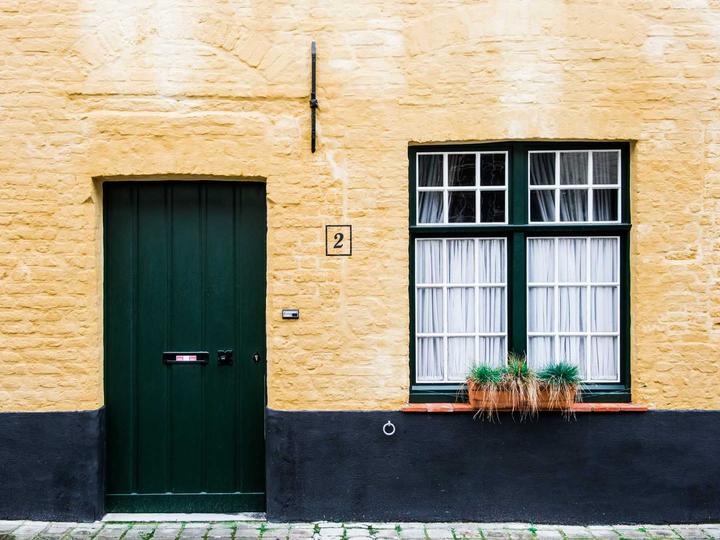


Stacked
Icon feature
An icon above centered content.



Side
Side — image left
Image and content side by side.


Side
Side — image right
The image on the right.


Side
Split panel
A colour panel fills the content half.


Overlay
Gradient scrim
Content over the image behind a soft gradient.



Overlay
Editorial cover
Title anchored to the top of the image.



Overlay
Overlapping panel
A magazine panel overlaps the image edge.



Overlay
Caption bar
A solid bar across the image base.



Overlay
Fade on hover
Content fades in when hovered.



Overlay
Slide on hover
Content slides up when hovered.


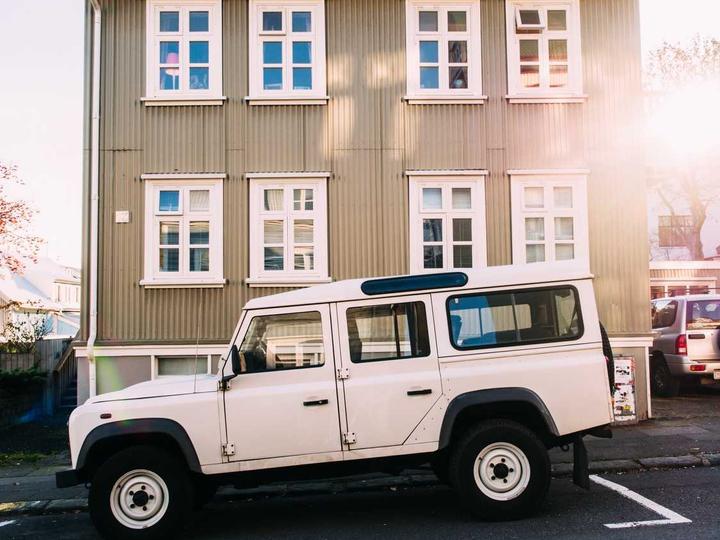
Overlay
Centered on hover
Content appears centered when hovered.



Overlay
Frame on hover
A frame draws in when hovered.



Card
Bordered card
A bordered, elevated card — with a framework button preset (Style = Button).



Card
Clean caption strip
A minimal strip beneath the image.



Frame
Polaroid
A white polaroid frame.



Frame
Postcard
A postcard-style border.



Frame
Bordered badge
A bordered badge frame.



Frame
Photo stack
A stacked-photos look.

The markup
Clean, lean code
This is the exact HTML the element outputs, straight from the page builder. No wrapper soup, no inline-style bloat.
<section class="fw-flexbox fw-flex fw-contained fw-collapse">
	<div class="imgbox-wrap imgbox imgbox--design-stacked imgbox--part-stacked imgbox--ratio-4-3 imgbox--fx-zoom-in imgbox--speed-normal imgbox--linked" style="--imgbox-media-w:50%;--imgbox-ov-opacity:0.6;">
		<a class="imgbox__link" href="#" aria-label="Image box">
		<div class="imgbox__stack">
			<figure class="imgbox__media">
				<span class="imgbox__media-inner"><img src="https://demos.unysonplus.com/wp-content/uploads/2026/09/demo-2f1b484add2f.jpg" alt="Image box" class="imgbox__img" loading="lazy" decoding="async" width="720" height="540" srcset="https://demos.unysonplus.com/wp-content/uploads/2026/09/demo-2f1b484add2f.jpg 720w, https://demos.unysonplus.com/wp-content/uploads/2026/09/demo-2f1b484add2f-300x225.jpg 300w, https://demos.unysonplus.com/wp-content/uploads/2026/09/demo-2f1b484add2f-600x450.jpg 600w, https://demos.unysonplus.com/wp-content/uploads/2026/09/demo-2f1b484add2f-333x250.jpg 333w" sizes="(max-width: 720px) 100vw, 720px" /></span>
			</figure>
			<div class="imgbox__head">
				<span class="imgbox__eyebrow">Category</span>
				<h3 class="imgbox__title">Image box</h3>
			</div>
			<div class="imgbox__body">
				<div class="imgbox__text">
					<p>A short supporting line for the box.</p>
				</div>
				<span class="imgbox__btn imgbox__btn--arrow">Read more <span class="imgbox__btn-arrow" aria-hidden="true">→</span></span>
			</div>
		</div></a>
	</div>
</section>
To learn more about the Image Box shortcode, please check out the online manual here.