
Motion Gallery · Carousel & Flow
Card Reel
A vertical cover-flow carousel — the centre card flat, neighbours curving back.
Example 1 · Scroll choreography
Scroll to play — reveal & dissolve
A full scroll choreography. Motion → Scroll-scrub with Pin on, so YOUR scroll drives the motion — not a timer. Paired with Entrance (Style tab): as the gallery pins to the screen the cards fade in one by one, it animates as you scroll, then they dissolve one by one on the way out.



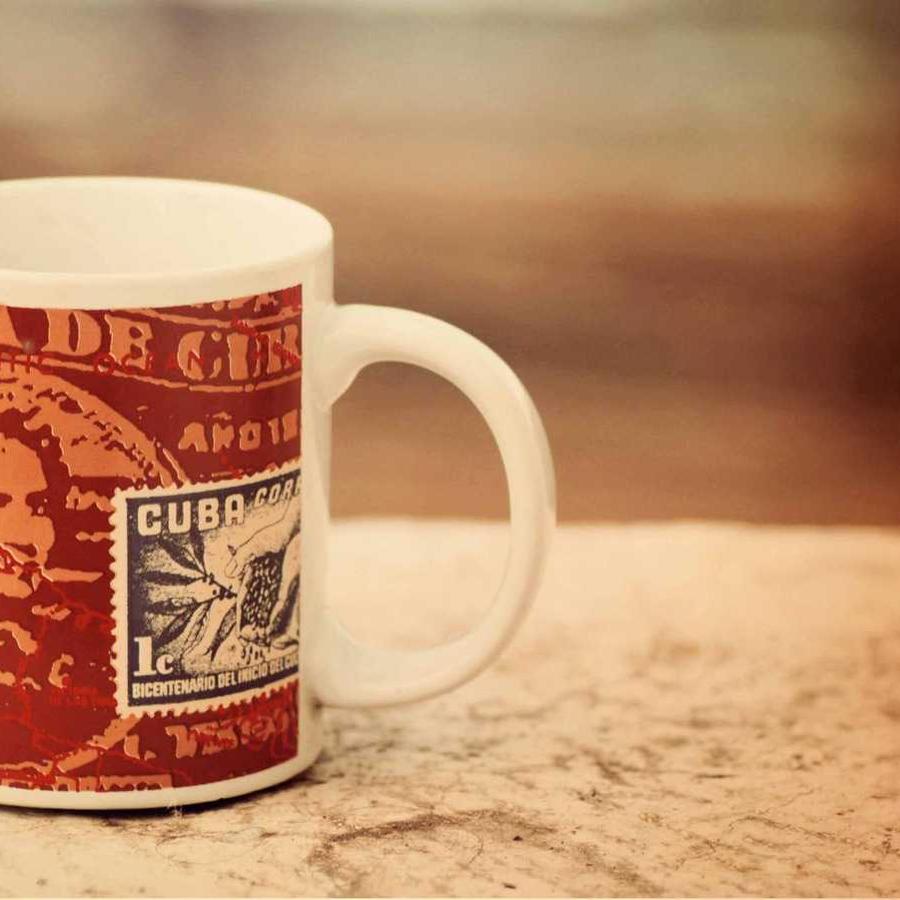

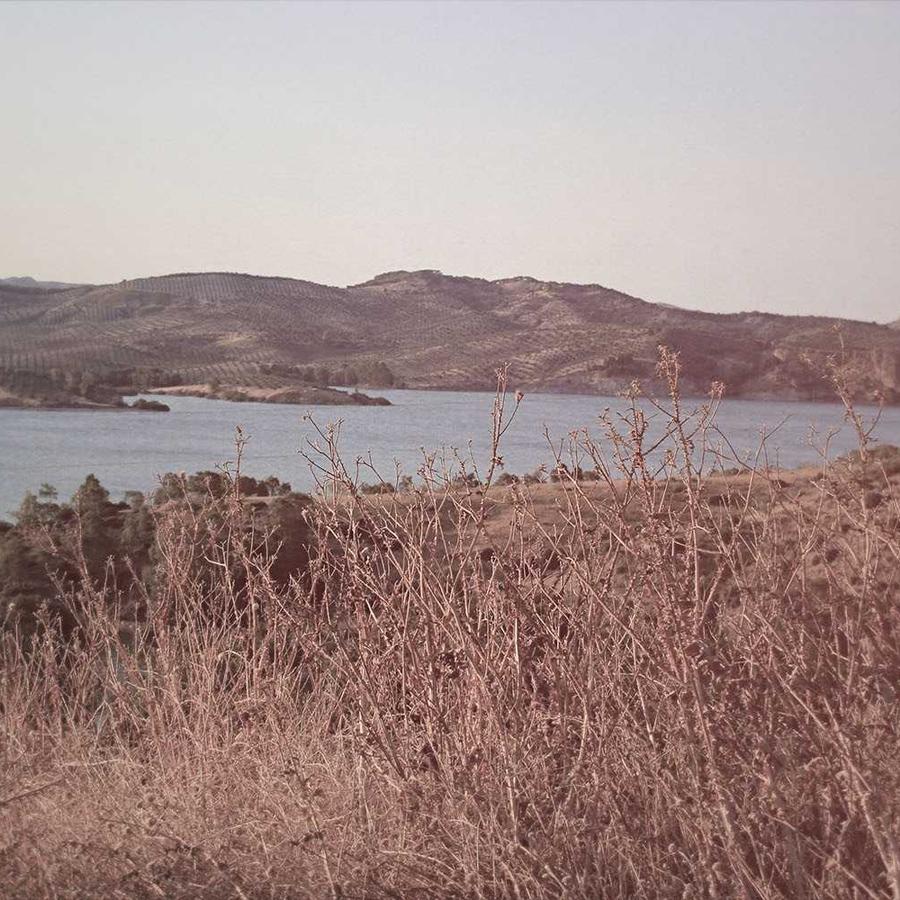


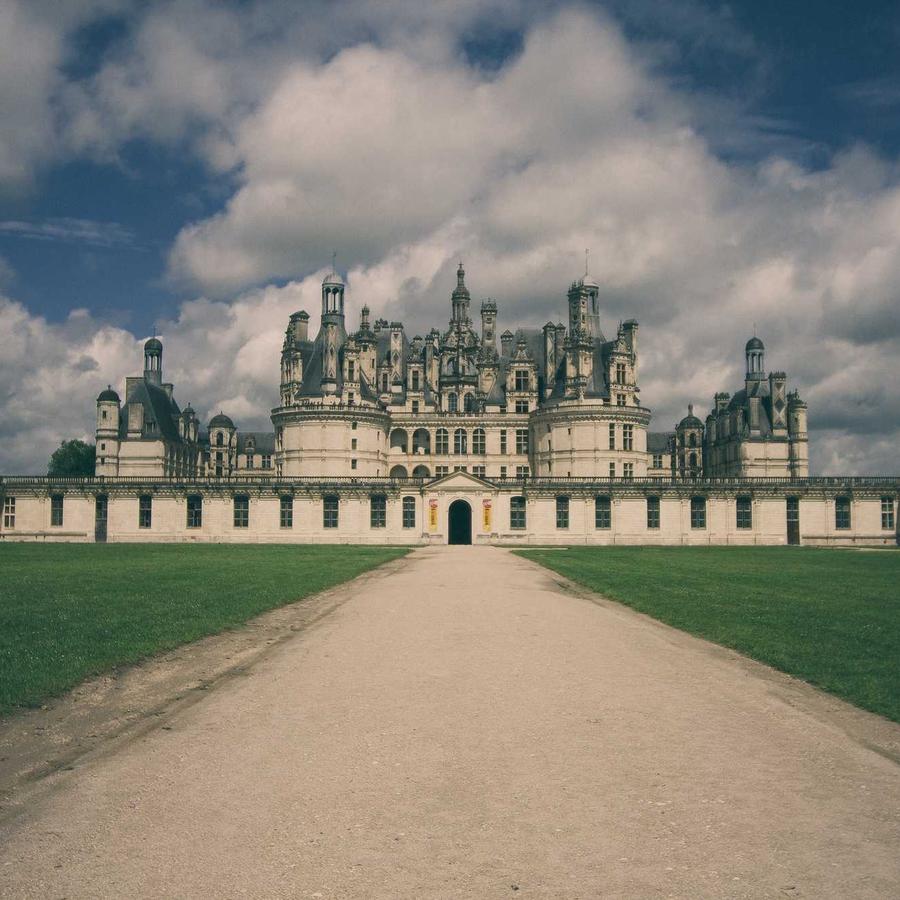
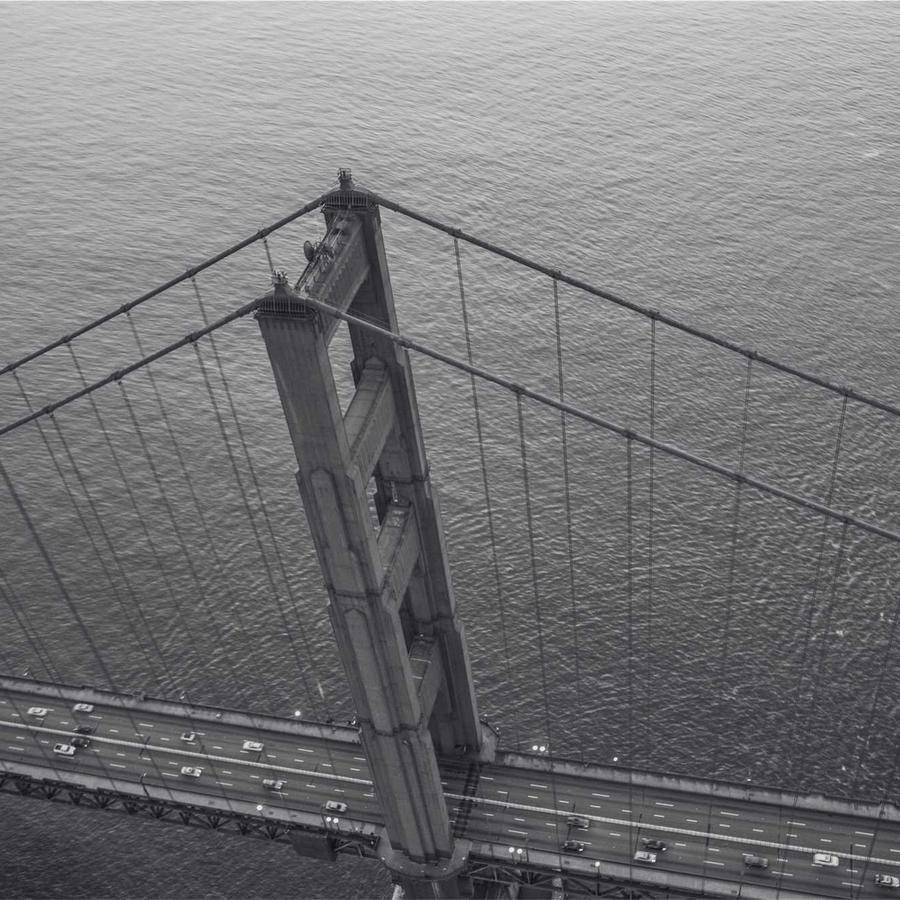


Example 2 · Entrance + pause on hover
Reel barrel, pause on hover
The default — a vertical column of cards wrapped on a cylinder, the centre card flat and forward. The whole reel zooms in on load; Motion → On Hover is Pause. Click a card to open the lightbox.
Example 3 · Flat strip
A flat vertical strip
3D Curve at 0 flattens the cylinder into a plain vertical strip of cards sliding past — no barrel.
Example 4 · Stop at centre
Stepping, snaps to centre
Stop at Centre turns the continuous flow into a stepping carousel — each card snaps to the middle and holds briefly, on bigger cards.
Example 5 · Reverse barrel
Barrel bowed the other way
A positive 3D Curve bows the cylinder the opposite way, with a wider gap between cards.
Example 6 · Ratio & corners
Portrait cards, soft corners
Portrait 3:4 cards (the default is square) with rounded corners. Click a card to open it full-size.
Example 7 · Entrance: Blur
Cards resolve out of a blur
A pure Entrance reveal (no scroll-scrub). Motion → Static, and Entrance (Style tab) = Blur — as the gallery scrolls into view the cards sharpen from a defocus, one by one, then hold still. Try the other entrance effects on the Style tab too.
Example 8 · Entrance: Slide
Cards slide in one by one
The same reveal with Entrance = Slide: each card slides in from the side (distance 64), staggered as the gallery enters the viewport. Motion is Static, so once revealed they simply rest.
Example 9 · Entrance: Flip
Cards flip forward into place
Entrance = Flip: each card swings forward on its Y axis into place as the gallery scrolls in.
Example 10 · Entrance: Scale
Cards pop up from small
Entrance = Scale: each card grows from small into place with a fade, staggered as the gallery scrolls in. Rise · Scale · Blur · Slide · Flip are the five built-in entrance effects — pair any of them with Motion → Scroll-scrub (Example 1) for a full scroll choreography. Plus Stage Overflow = Spill, so the fanned cards show in full beyond the stage box — and the gallery sits at Z-Index −1 (Advanced → Position: Relative) behind this heading, so the title stays clean in front of the overflow.
Docs & Playground
Tweak every option live
Play with all of these settings in real time and read the full option reference in the manual.