
3D Gallery · 3D & Perspective
Panorama Wall
A curved wall of cards wrapping around you and scrolling sideways.
Example 1 · Entrance + pause on hover
Wrap-around wall, pause on hover
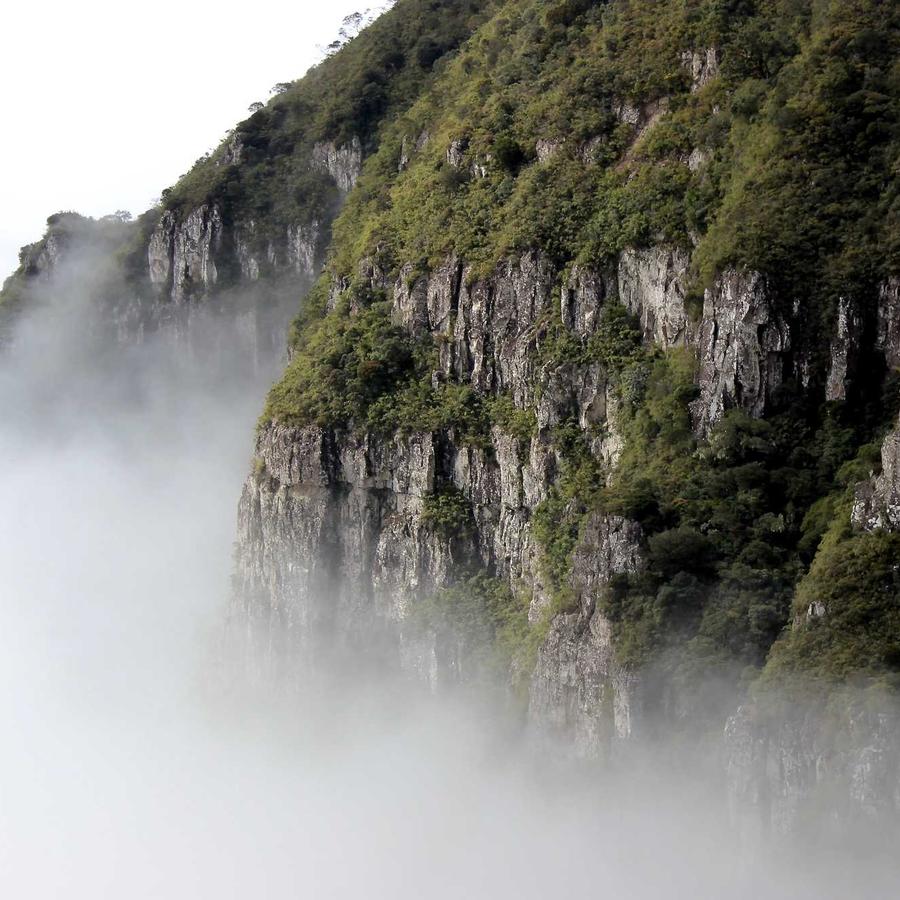
The default concave wall — a grid of cards curving around you (Curvature −100) and scrolling sideways. The whole wall fades into view on load (Entrance Animation = Fade In; on a 3D design the entrance plays on the entire gallery, not per card). Motion → On Hover is Pause, so it holds still while you browse. Click a card to open the lightbox.







Example 2 · Convex curvature
Bulging outward
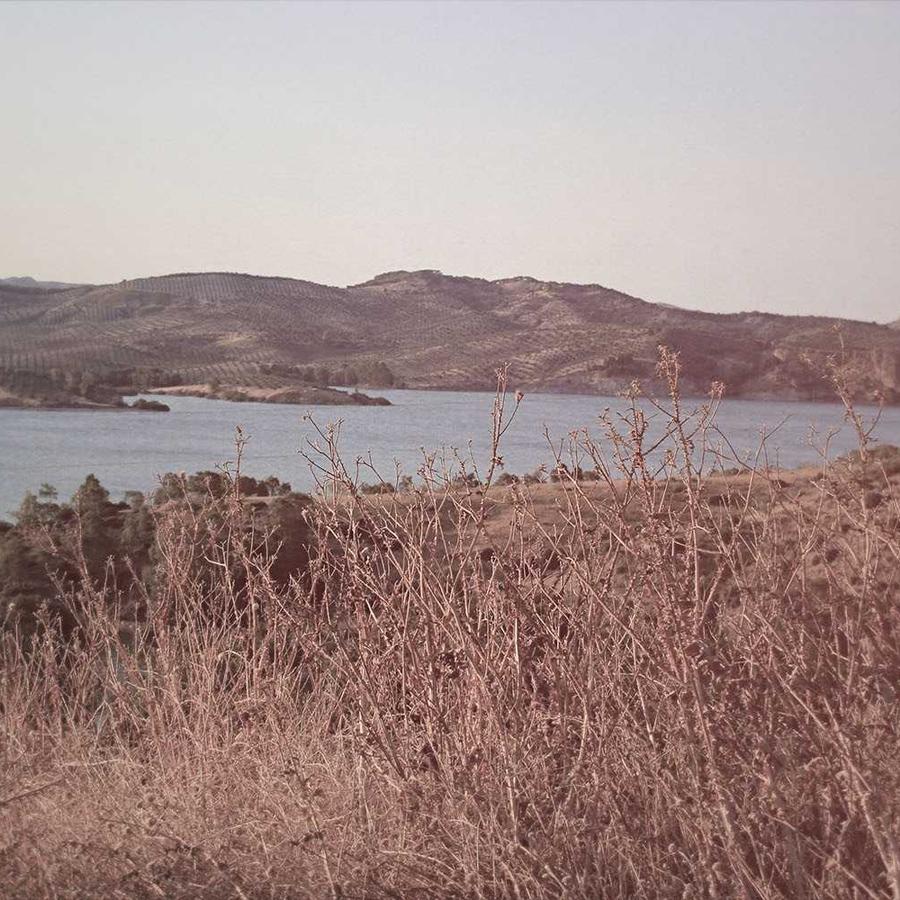
The same wall flipped to convex — it bulges away from you (Curvature +120) instead of wrapping toward you, with an extra column of cards across each row.
Example 3 · Alternate rows
Rows scrolling opposite ways
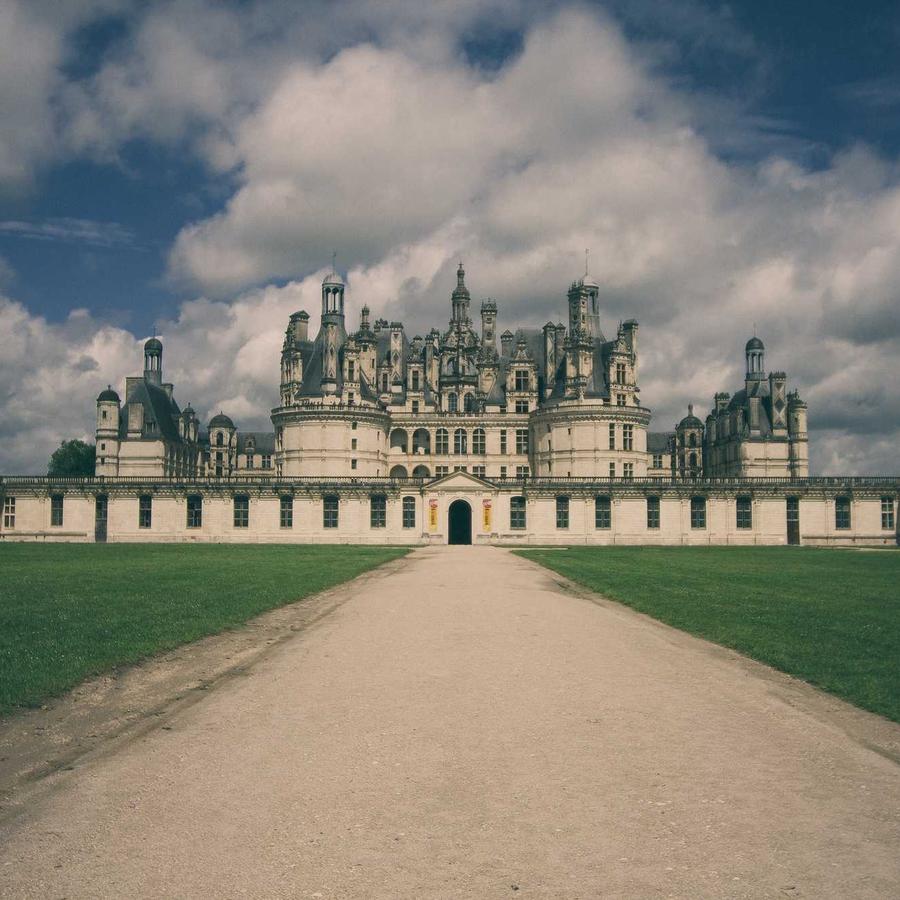
A denser wall — more rows and columns of smaller cards — with Motion set to Alternate rows, so each row scrolls the opposite way to the one above it.
Example 4 · Tilt & edge-fade
Tilted, with faded edges
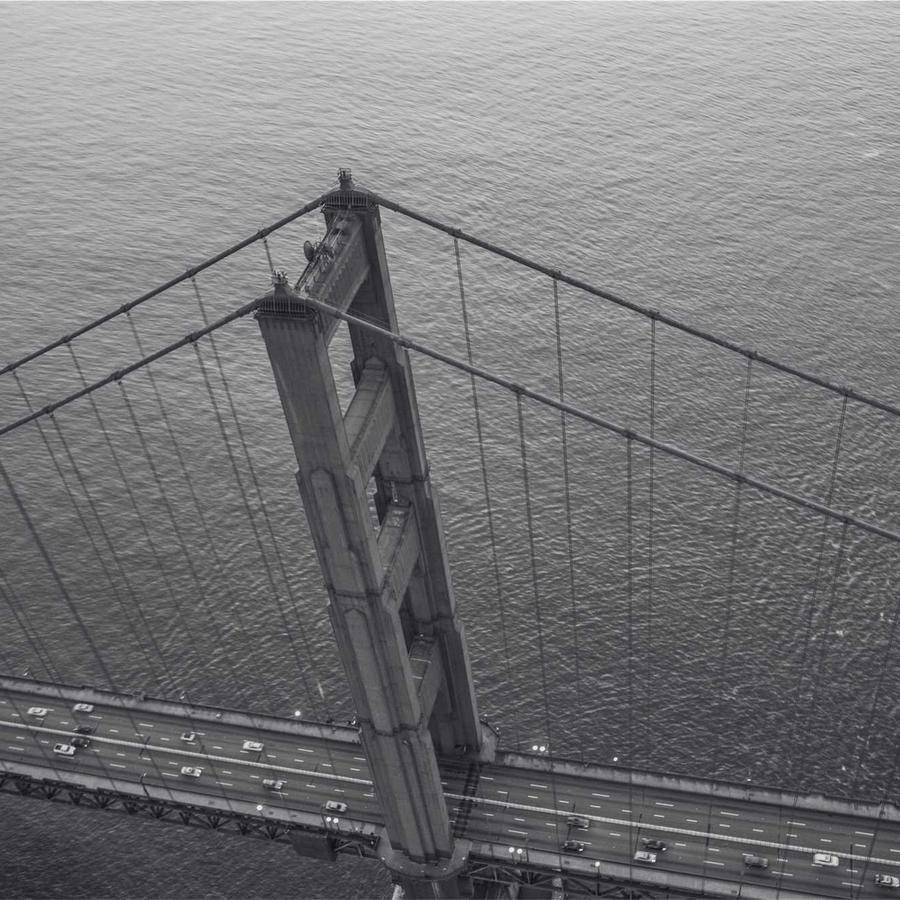
The whole wall tipped up (Tilt −28°) over a tighter concave curve, with the left and right edges fading out (Edge Fade 75%) so the cards melt into the background at the sides.
Example 5 · Ratio & perspective
Portrait cards, deep camera
Tall portrait 3:4 cards (the default is widescreen 16:9) on a deep-perspective wall (Perspective 92) with rounder corners — a closer, more immersive curve. Click a card to open it full-size.
Docs & Playground
Tweak every option live
Play with all of these settings in real time and read the full option reference in the manual.
Free & open source
Build with this element, free.
Install the framework and the Bootstrap 5 theme, then drag this element into any page.