
3D Gallery · Carousel & Flow
Mosaic Marquee
A horizontal marquee of cards packed masonry-style, scrolling sideways forever.
Example 1 · Motion + Hover + Lightbox
Cascade in, lift, click to zoom
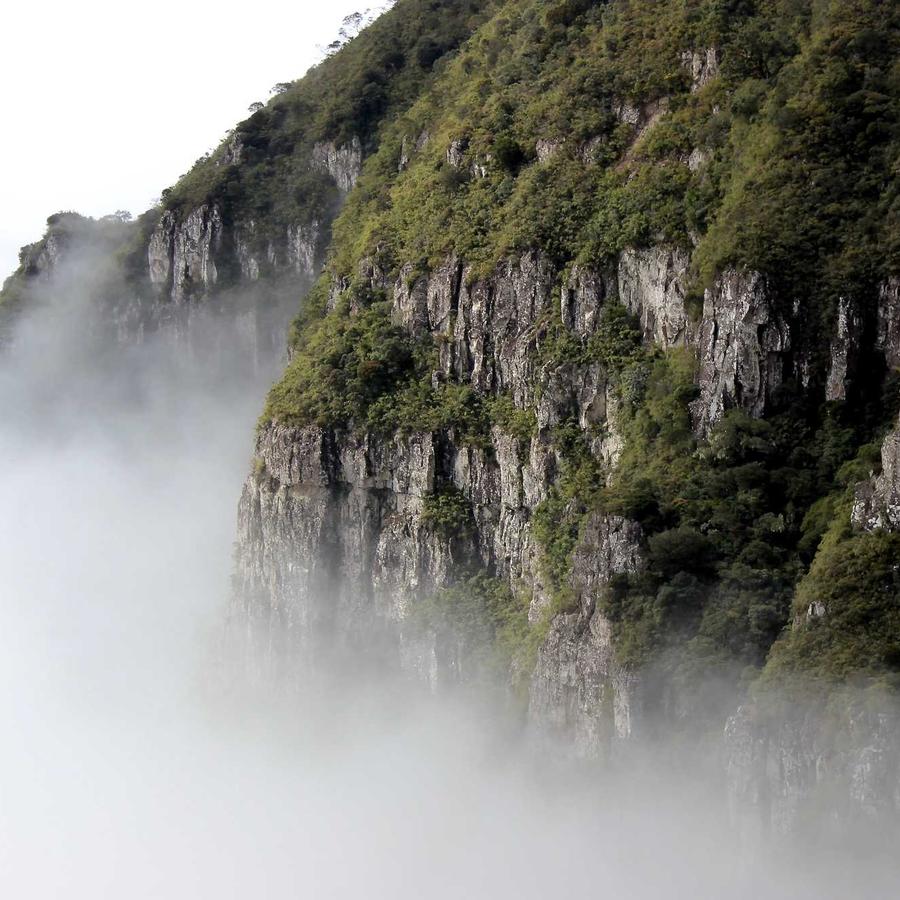
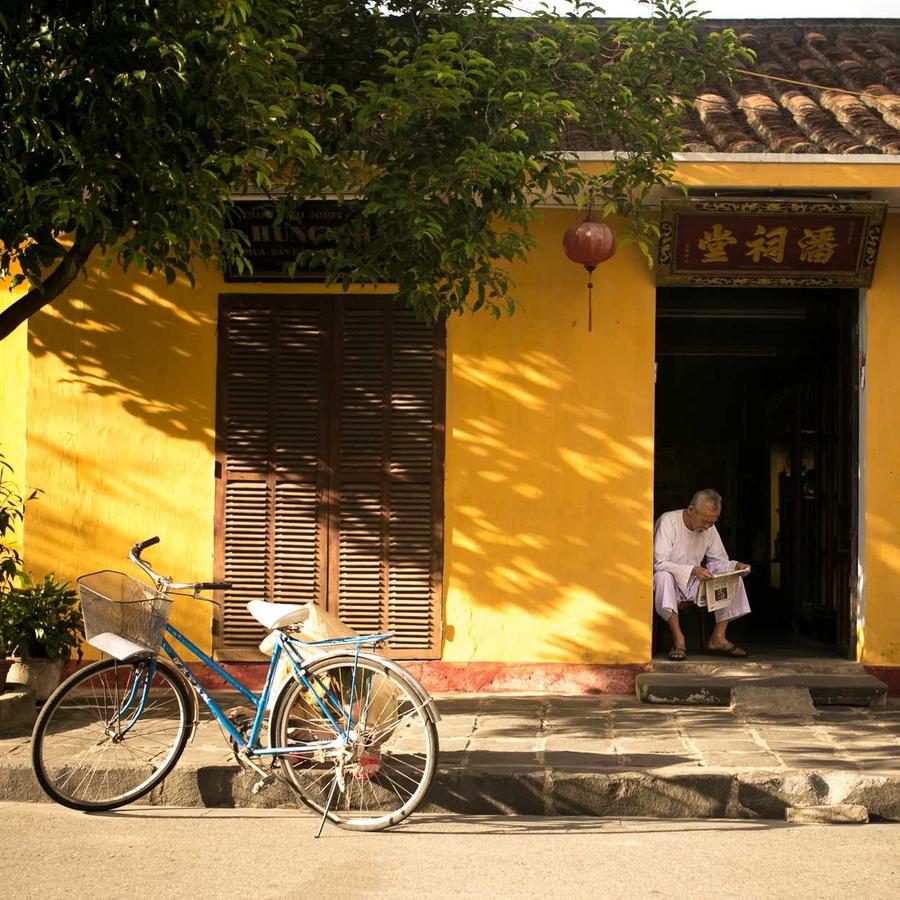
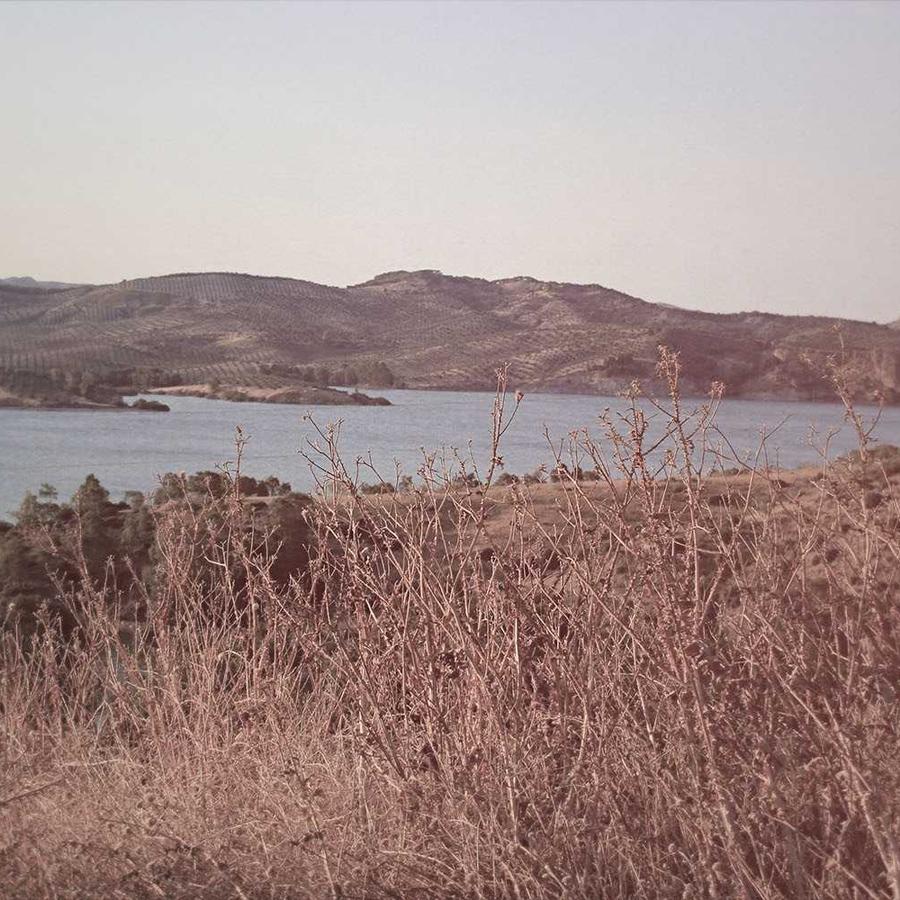
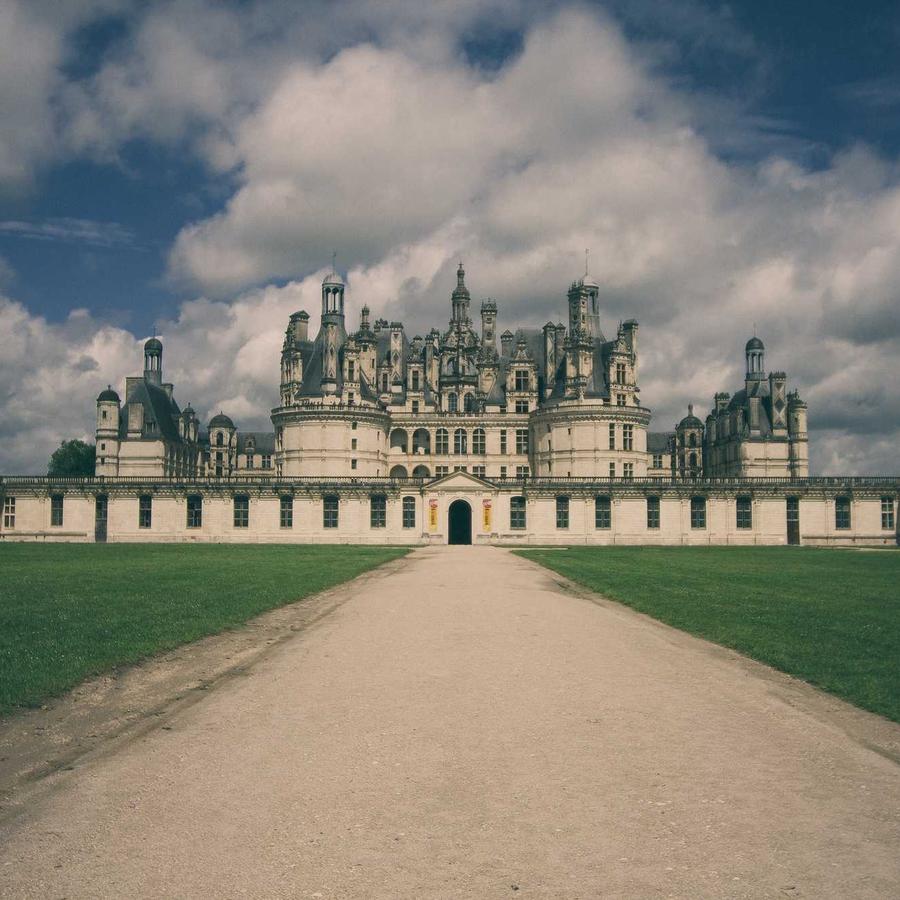
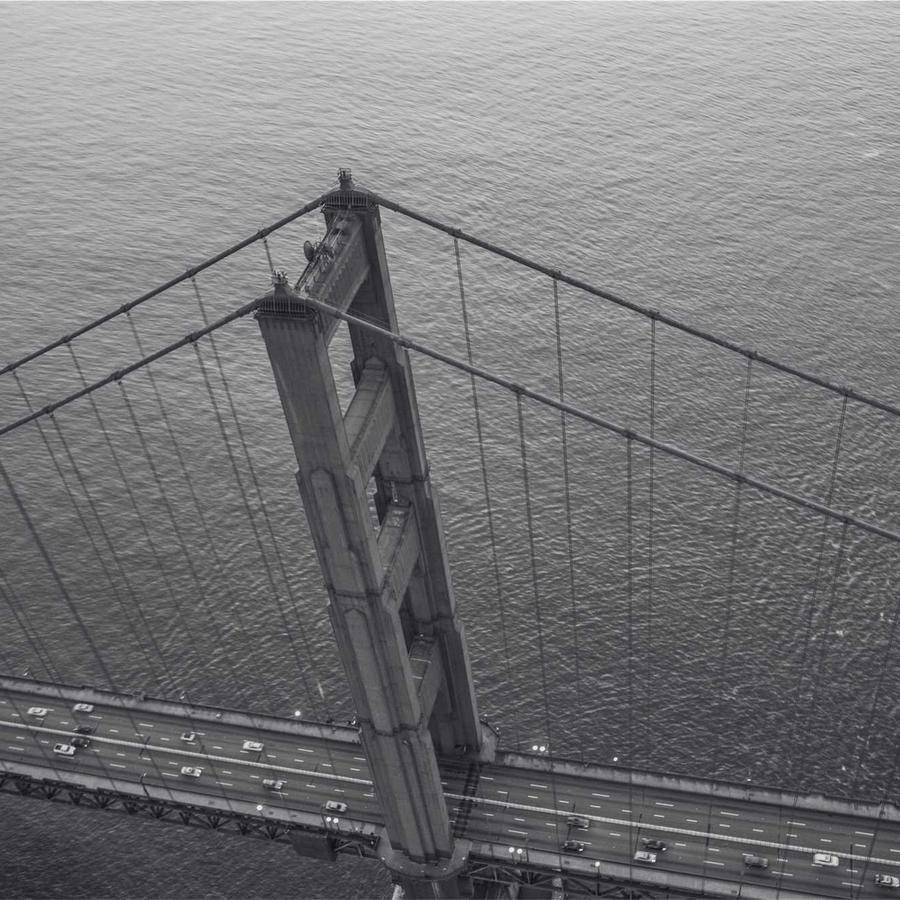
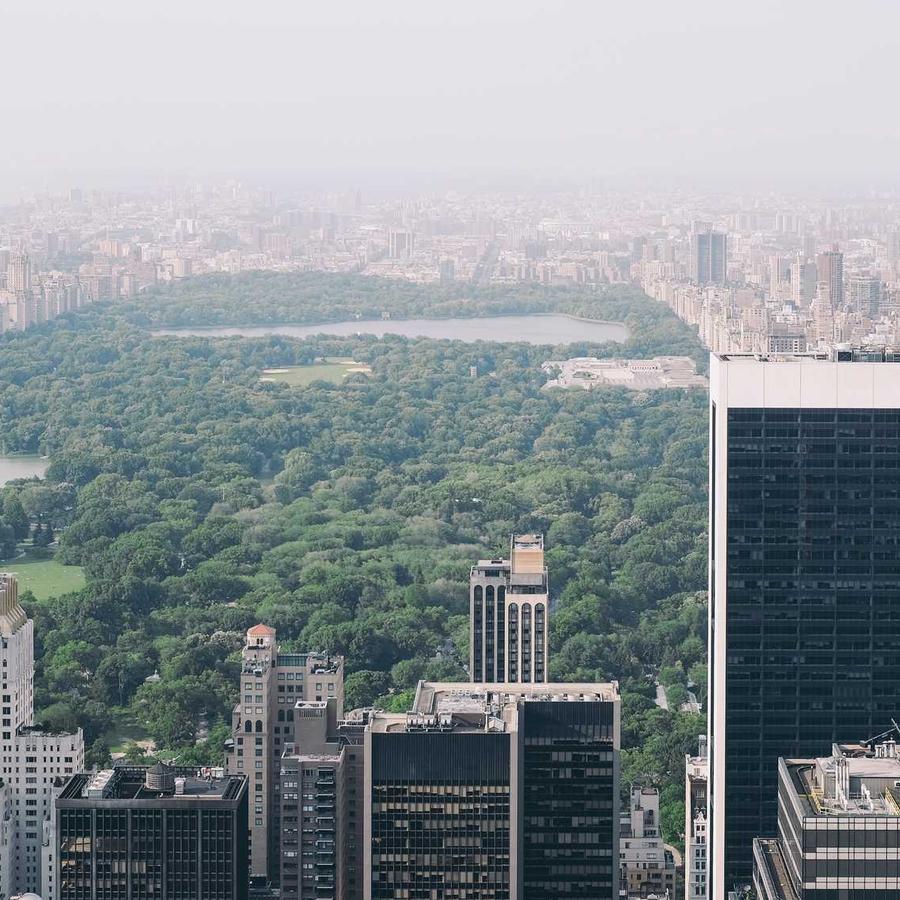
The default airy bento. As the band scrolls into view the tiles cascade in one by one — Entrance Animation set to Fade In Up with Sequence Items on (90 ms stagger). Hover Interaction is Lift with Hover Target = Each item, so only the tile under your cursor reacts. On Card Click is set to Open Lightbox — click any tile to view the full image.






Example 2 · Scale & direction
Big tiles, drifting right
Fewer, larger tiles — Card Height 72%, a wider Gap (4%) and rounder corners (24 px) — set to scroll to the Right at a slower Loop Duration. Hover Target is Each item with a gentle Scale / Zoom.
Example 3 · Density & corners
Dense & fast, square corners
A tighter, quicker mosaic: a lower Card Height (34%) packs in more tiles, the Gap shrinks to 1.5%, Corner Radius goes to 0 for hard edges, and the loop runs fast. Hover brightens the tile you point at.
Example 4 · Ratio & background
Portrait tiles on a dark canvas
Portrait 3:4 tiles floating on a near-black Background (#101014) with generous Padding (8%), so the dark shows through the gaps and the empty cells. Hover follows the cursor with a subtle 3D Tilt.
Example 5 · Layout, color & lightbox
Layout 2, landscape 4:3, colour pop
A different packing pattern (Layout 2) with landscape 4:3 tiles. Hover is a per-tile Grayscale — the mosaic reads muted until you hover a card, which pops back to full colour. On Card Click opens the full image in the lightbox.
Docs & Playground
Tweak every option live
Play with all of these settings in real time and read the full option reference in the manual.
Free & open source
Build with this element, free.
Install the framework and the Bootstrap 5 theme, then drag this element into any page.