
3D Gallery · 3D & Perspective
Card Sphere
A spinning disco-ball of images; Card Size sets how finely it tiles.
Example 1 · Entrance + pause on hover
Spin up the globe, pause on hover
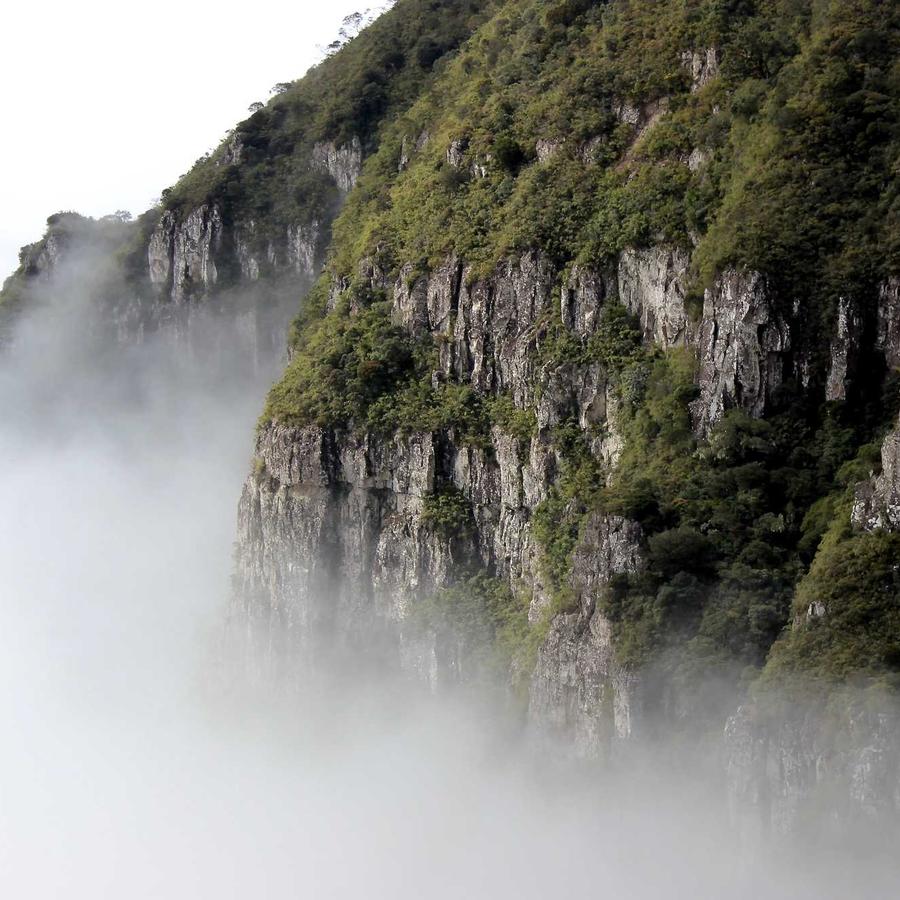
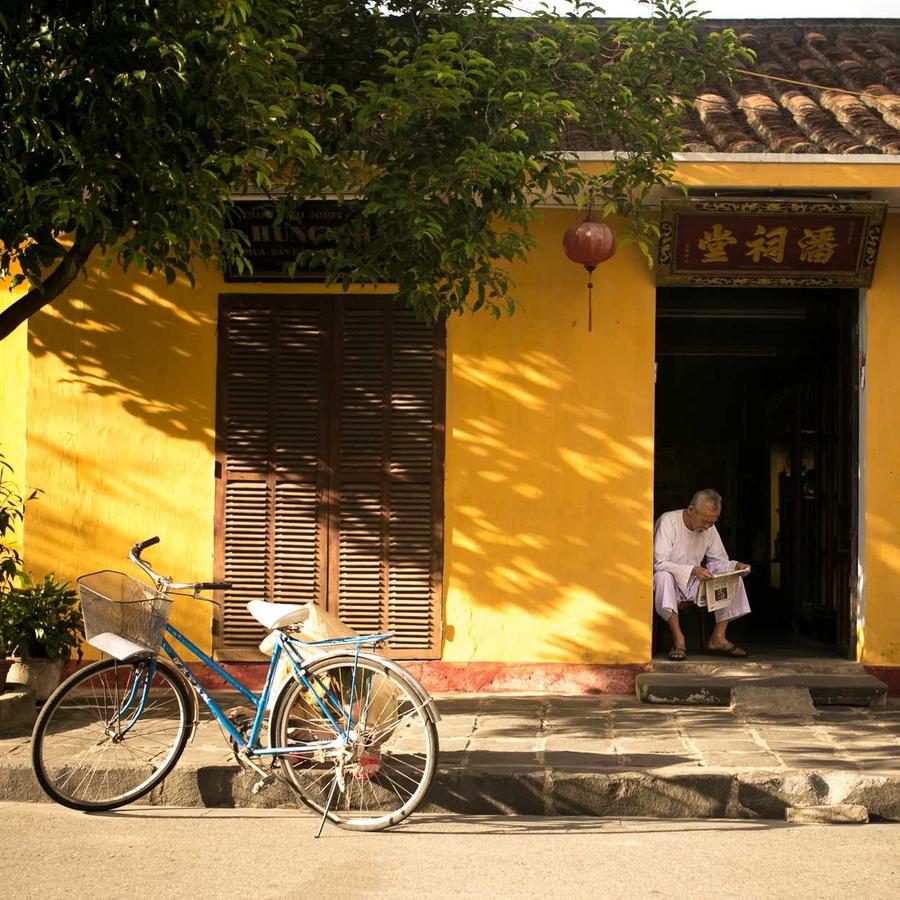
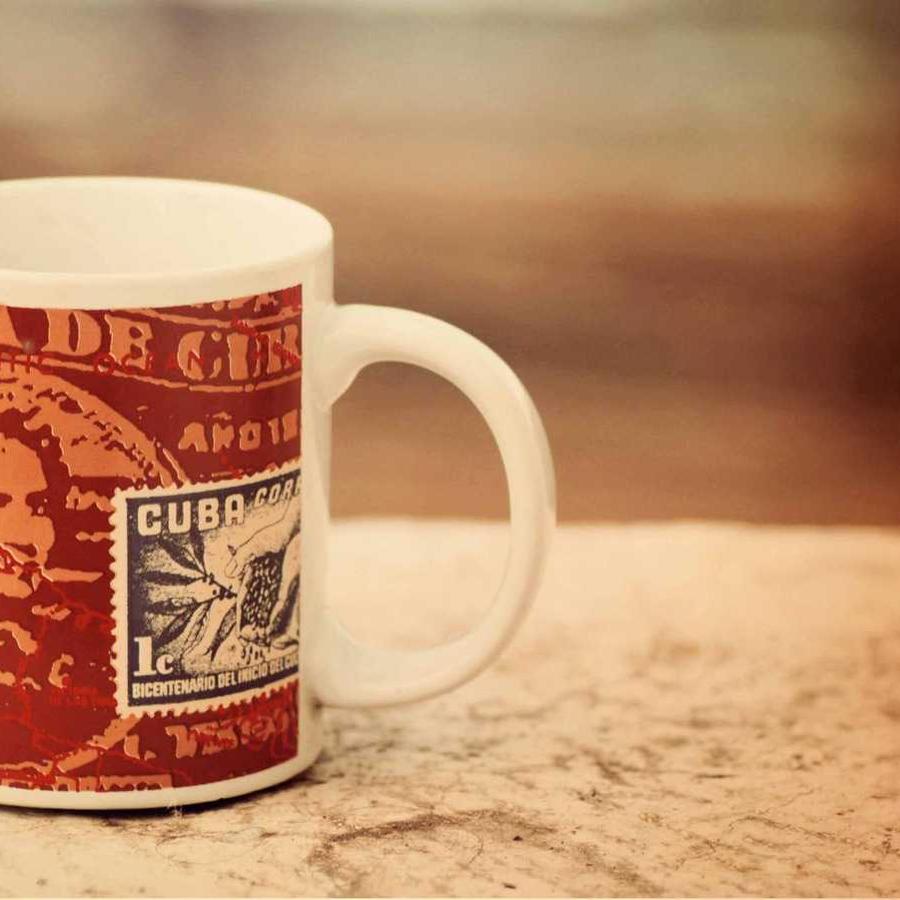
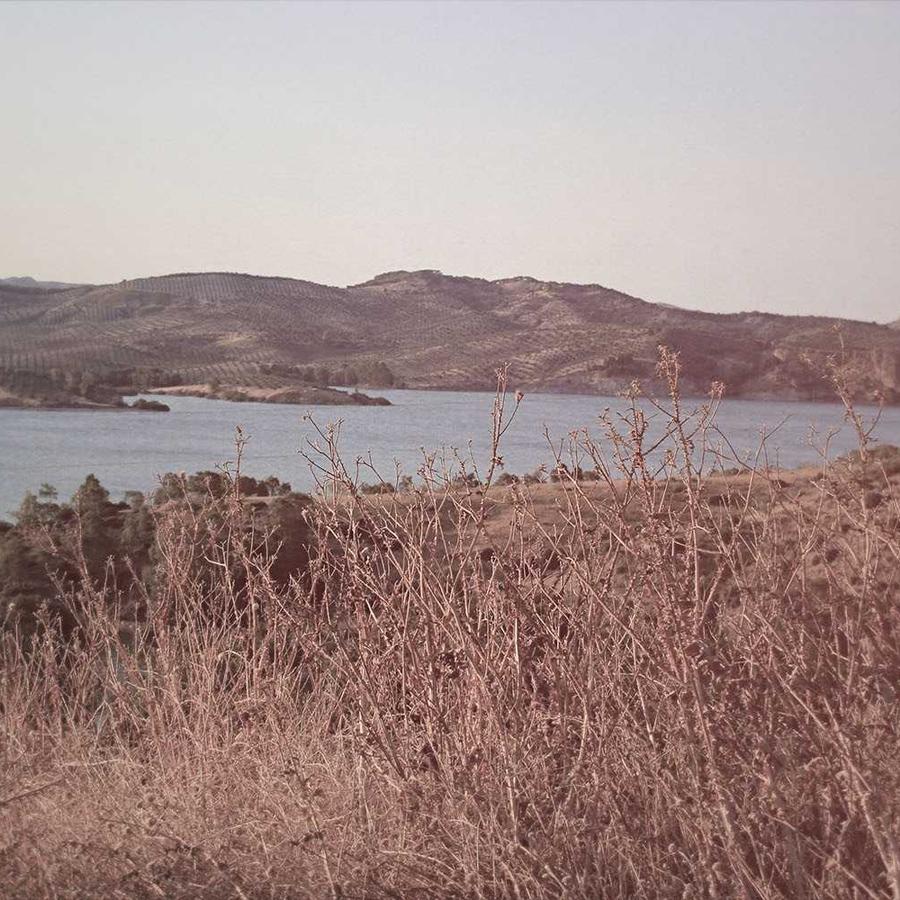
The default sphere — cards tiled over a globe that slowly rotates. The whole sphere zooms into view on load (Entrance Animation = Zoom In; on a 3D design the entrance plays on the entire gallery, not per card). Motion → On Hover is Pause, so it holds still while you look. Click a card to open the lightbox.





Example 2 · Tiling density
A finely-tiled globe
Smaller cards (Card Size 12%) with a tighter Gap tile the sphere far more finely, so it reads as a smooth round globe instead of a faceted one — on a slightly larger sphere.
Example 3 · Tilt & back-fade
Tilted globe, dark rim
The globe tipped forward (Tilt −30°) with the cards near the rim dimmed almost to black (Back Fade 85%), so the front of the sphere pops out of a shadowed edge.
Example 4 · Size & perspective
Big, close sphere
A larger globe (Globe Size 92%) pulled close to the camera with a stronger Perspective, its cards bigger — an immersive sphere filling the stage, spinning to the Right.
Example 5 · Ratio & corners
Square cards, soft corners
Square 1:1 cards (the default is widescreen 16:9) with rounded corners tiling the globe — a cleaner, more uniform mosaic on the sphere. Click a card to open it full-size.
Docs & Playground
Tweak every option live
Play with all of these settings in real time and read the full option reference in the manual.
Free & open source
Build with this element, free.
Install the framework and the Bootstrap 5 theme, then drag this element into any page.