
3D Gallery · 3D & Perspective
Carousel Ring
A ring of cards revolving around you — tilt it back, roll it diagonal, open it up.
Example 1 · Entrance + pause on hover
Spin up, pause on hover
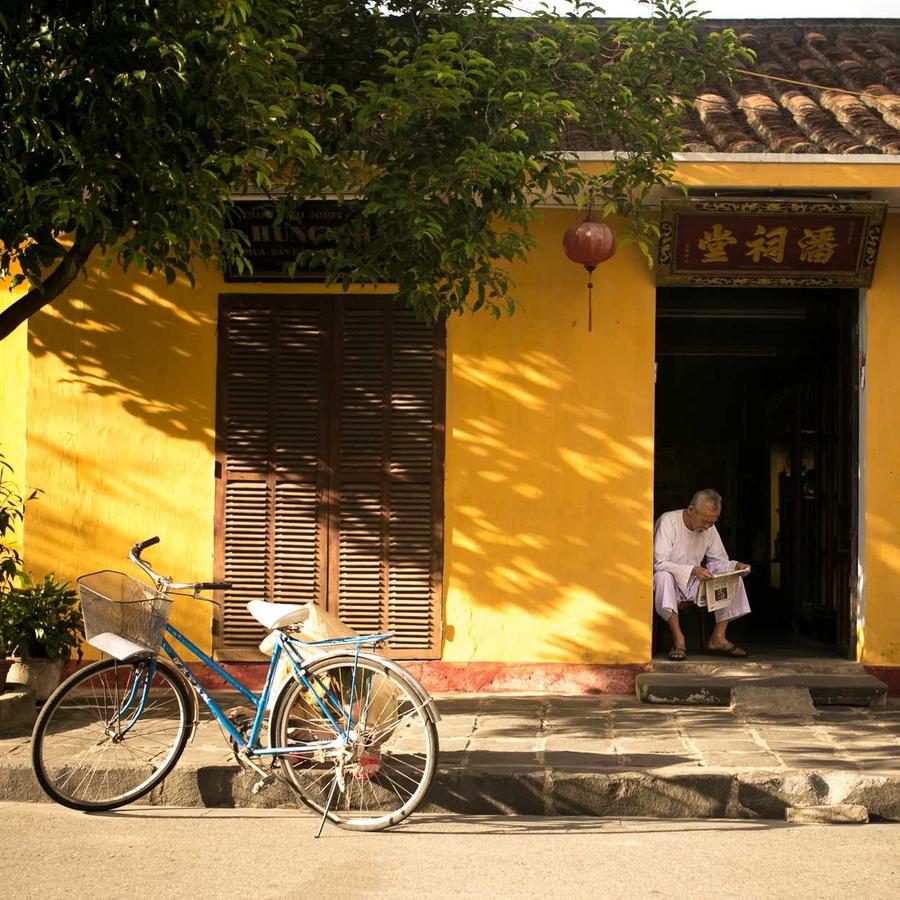
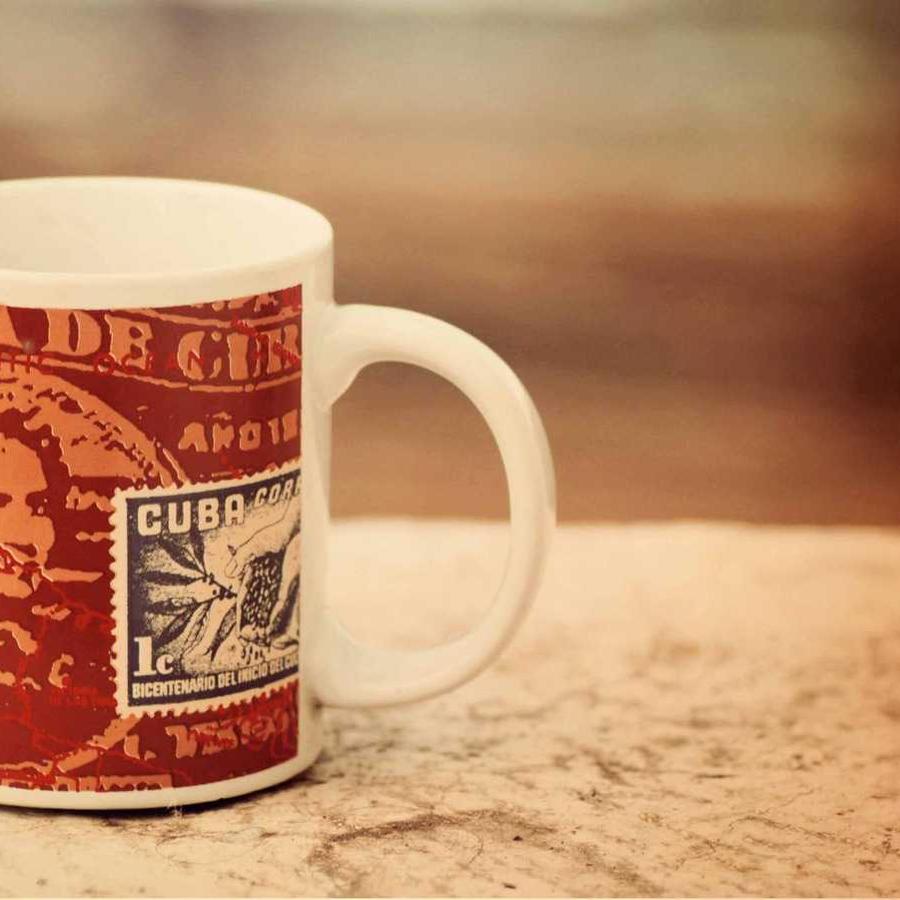
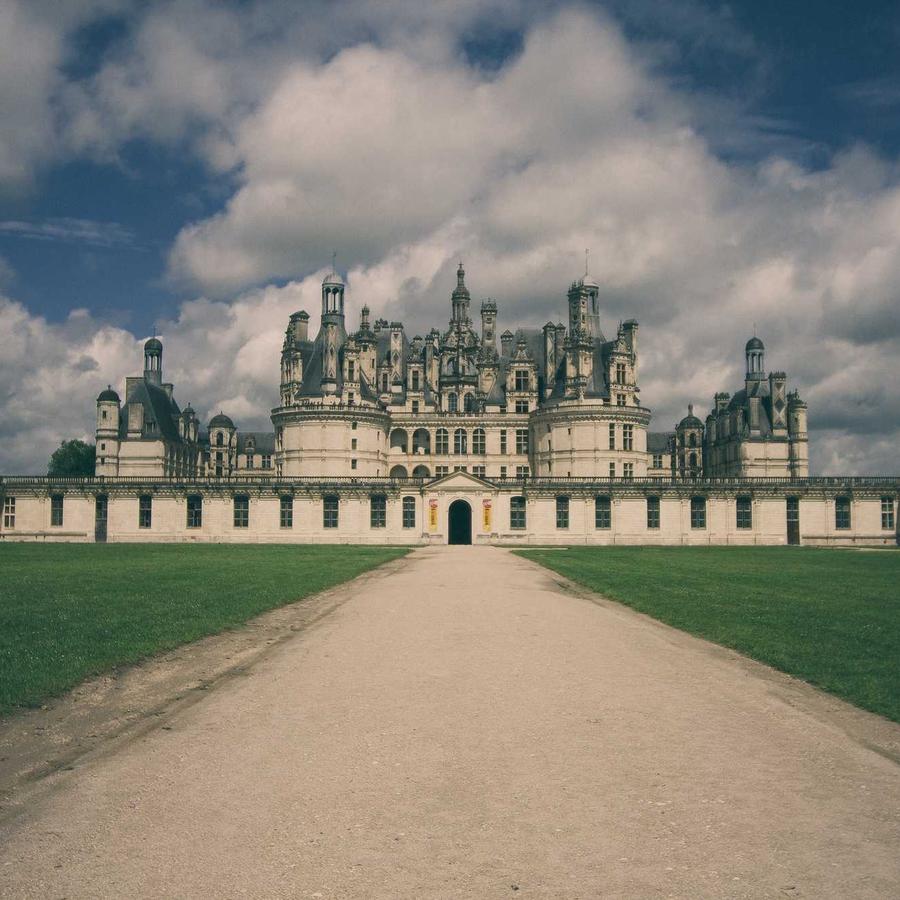
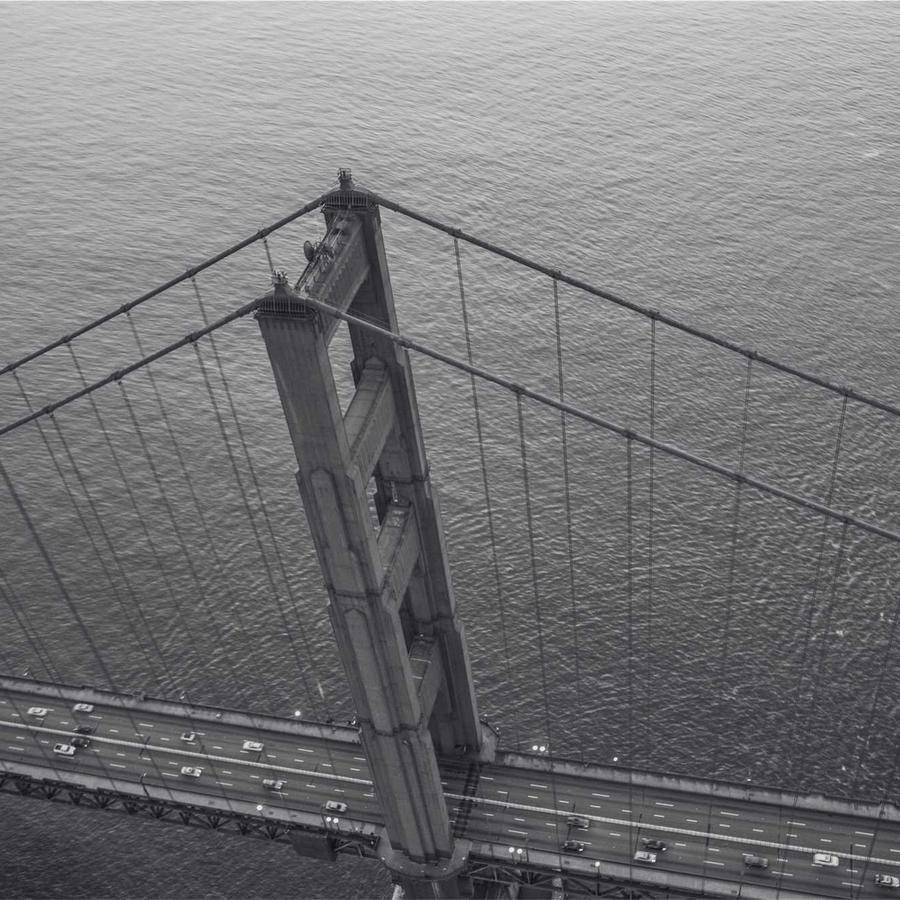
The default ring — a carousel of cards revolving around you. The whole ring zooms into view on load (Entrance Animation = Zoom In; on a 3D design the entrance plays on the entire gallery, not per card). Motion → On Hover is set to Pause, so the ring holds still while you look, then resumes. Click a card to open the lightbox.








Example 2 · Tilt & opening
Edge-on, tilted back
A near edge-on ring tipped away from you — a low Ring Opening (18%) flattens the loop and a strong Ring Tilt (−52°) leans it back, so the cards read as a shallow, receding band.
Example 3 · Diagonal roll
Rolled to a diagonal
The whole ring rolled onto a diagonal axis (Diagonal Tilt 32°) with the cards spread further apart (Card Spacing 130%) — the loop sweeps corner to corner instead of straight across.
Example 4 · Depth & back-fade
Deep camera, dark far side
A closer camera (Perspective 60) exaggerates the depth, and the far side of the ring dims almost to black (Back Fade 95%) so the front cards pop. It spins to the Right, a little faster.
Example 5 · Ratio & size
Big portrait cards, tight ring
Large portrait 3:4 cards on a tighter ring (Ring Size 62%) with rounder corners — fewer, bolder cards sweeping past close to the camera. Click one to open it full-size.
Docs & Playground
Tweak every option live
Play with all of these settings in real time and read the full option reference in the manual.
Free & open source
Build with this element, free.
Install the framework and the Bootstrap 5 theme, then drag this element into any page.